Windows desktop, search and sleep
Disable Background Apps in Windows 11: Per-App Controls
Change one supported app at a time. Separate Windows background permissions from desktop-app preferences and sign-in startup, then check the result.
Troubleshooting guides
Troubleshoot Windows 11 Start, Search, Settings, Explorer and power problems. Choose a targeted check before changing the whole installation.
Windows desktop, search and sleep
Change one supported app at a time. Separate Windows background permissions from desktop-app preferences and sign-in startup, then check the result.
Windows desktop, search and sleep
Choose between disabling a feature, moving its command and restoring app integration. Keep an undo record without deleting unrelated menu registrations.
Windows desktop, search and sleep
Remove the intended Store app through Installed apps or Start, preserve needed data and distinguish an installation from a shortcut or Library listing.
Windows desktop, search and sleep
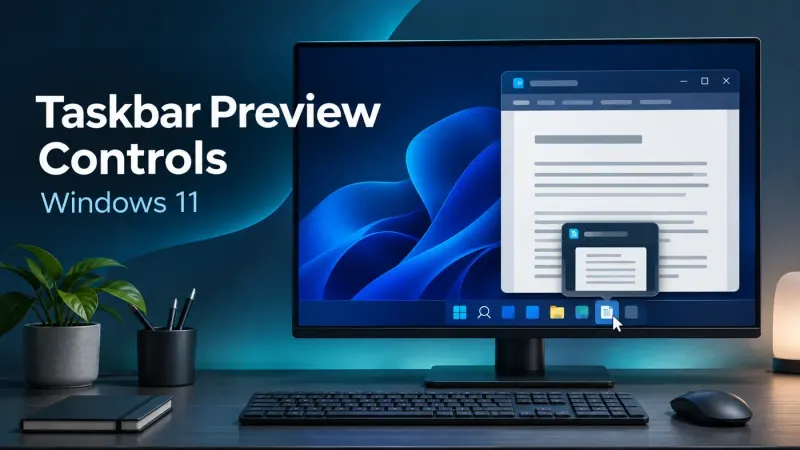
Separate individual hover thumbnails from Snap groups, review the documented administrative policy and use automatic hiding as a reversible workaround.
Windows desktop, search and sleep
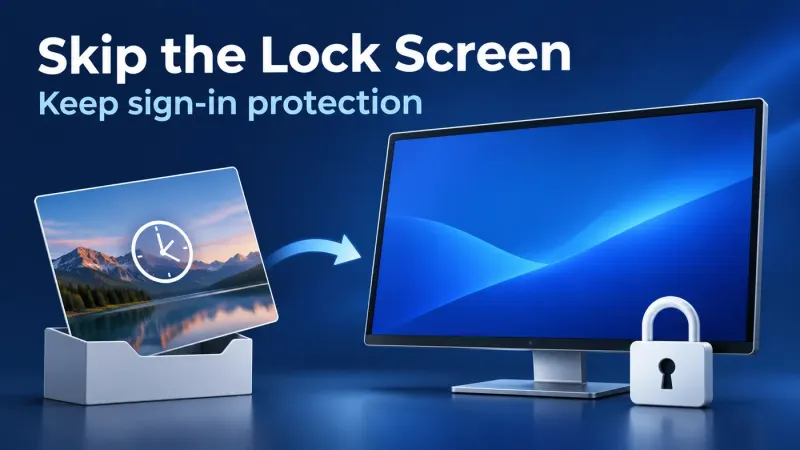
Remove the extra picture-and-clock layer on a supported Windows edition. Choose the correct policy, preserve sign-in protection and verify the result before keeping the change.
Windows desktop, search and sleep
Separate blank app pictures from missing pins and tray icons. Refresh Explorer, compare the affected app and clear only the relevant cache when the symptom fits.
Windows desktop, search and sleep
Choose regular-size taskbar buttons before changing the whole display. Compare Scale, text size and temporary magnification, with a clear way to undo each choice.
Windows desktop, search and sleep
Edit the shortcut icon, preserve the app target and compare the closed pin with the running button. Check one app before replacing pins or clearing caches.
Windows desktop, search and sleep
Check the stored background type and an accessible photo first. Separate wallpaper settings, image-fit borders and a resolved update issue from a missing Windows desktop.
Windows desktop, search and sleep
Choose Dark in Task Manager itself, verify the reopened window and keep Windows 10 limitations and old Custom-mode bugs separate from the current setting.
Windows desktop, search and sleep
Move the browser data you need, find synced tabs and verify saved logins before clearing the old laptop. Keep full-profile moves separate from Sync.
Windows desktop, search and sleep
Activate the tab you opened and check the actual folder. Keep tab selection, new-window behavior and external-folder links separate before changing settings.