Windows desktop, search and sleep
Enable End Task on the Windows 11 Taskbar
Add End task to a running app's right-click menu, find the right Settings page for your Windows version and check the control before you need to force a close.
Troubleshooting guides
Troubleshoot Windows 11 Start, Search, Settings, Explorer and power problems. Choose a targeted check before changing the whole installation.
Windows desktop, search and sleep
Add End task to a running app's right-click menu, find the right Settings page for your Windows version and check the control before you need to force a close.
Windows desktop, search and sleep
Reduce unwanted Windows 11 motion with the native toggle or one selected effect, then check your preferred scrolling and window behavior.
Windows desktop, search and sleep
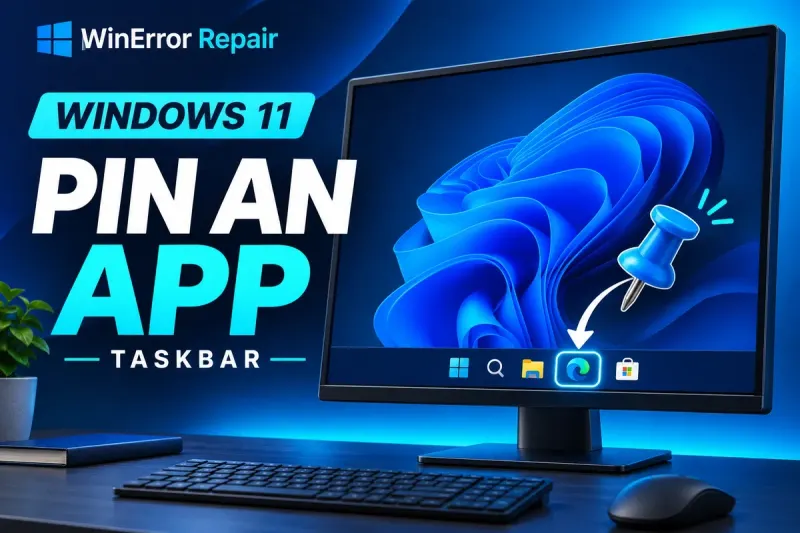
Pin the installed app from Search or its running icon, then close it with work saved and reopen it from the taskbar to check the shortcut.
Windows desktop, search and sleep
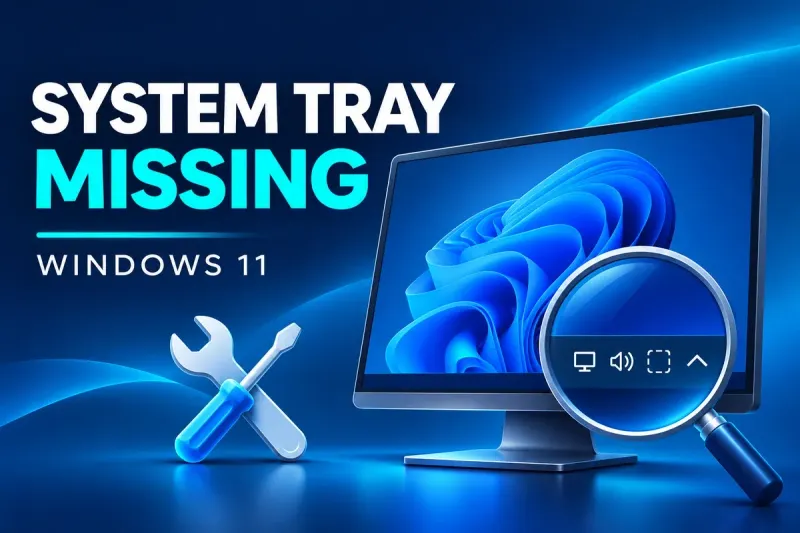
Find out whether a tray icon is hidden, its app has stopped, or the Windows shell needs attention before changing unrelated settings.
Windows desktop, search and sleep
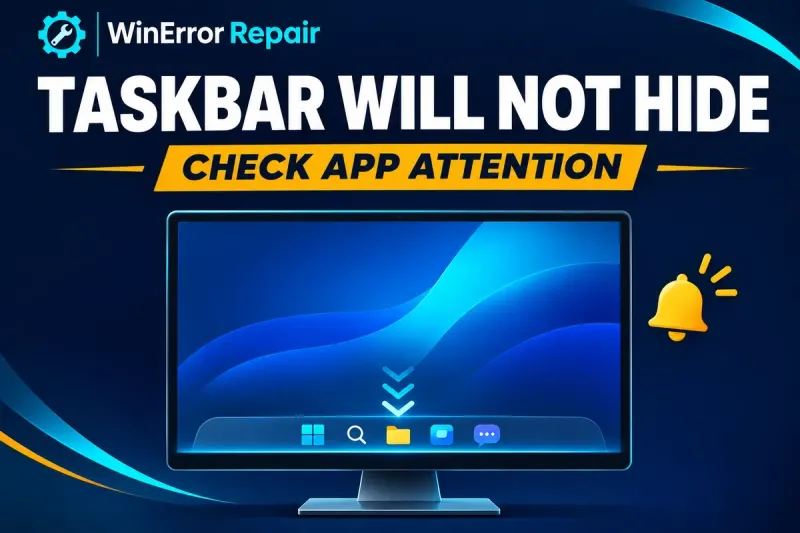
Compare one taskbar setting at a time, keep important alerts visible and verify the action that brings the bar back.
Windows desktop, search and sleep
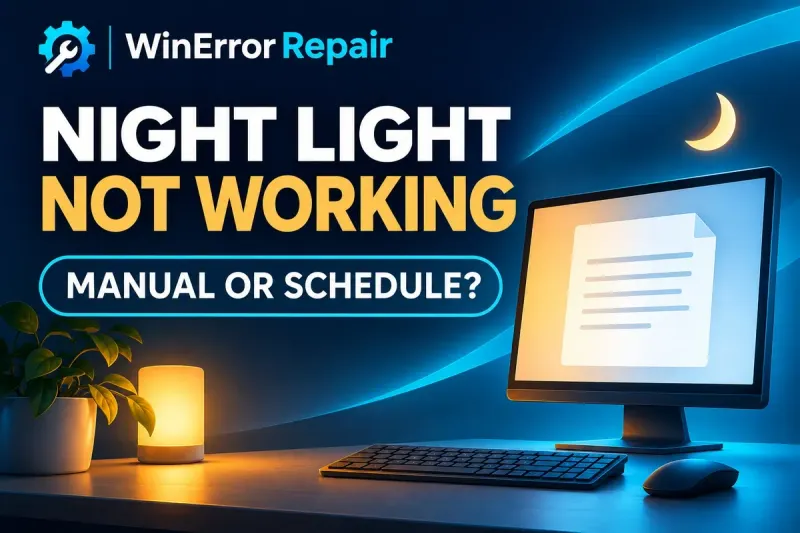
Test manual warmth before changing the schedule, then follow the branch for the affected display or adapter.
Windows desktop, search and sleep
Match the sending identity and Outlook client before changing shared-mailbox rights or repairing an address book.
Windows desktop, search and sleep
Use the matching security event to resolve a blocked file operation, then verify the copy, extraction or backup with protection enabled.
Windows desktop, search and sleep
What WHESVC does, how to identify the service, and which resource or privacy check to choose before changing its configuration.
Windows desktop, search and sleep
Choose a selected-plan reset or a deliberate all-plan reset, with backup, recovery and checks for settings that return.
Windows desktop, search and sleep
Check the active Dropbox folder and both Explorer menus before repairing the client or changing sync choices.
Windows desktop, search and sleep
Check whether Windows still reports the battery, then choose the percentage, taskbar or model-specific device route.