First distinguish a failed Wi-Fi connection from a connection with no internet access. If Windows displays “Can’t connect to this network,” use the guide below. Record whether other devices can join the same network; that helps separate a PC problem from a network problem.
Windows cannot join Wi-Fi
The connection-error guide covers a failed connection to a known wireless network.
Wi-Fi connects but internet access fails
Check whether another device can open the same website before changing the PC’s connection settings. A working Wi-Fi connection and a working internet connection are separate checks.

Windows network and internet problems
An AMD processor badge does not identify the wireless adapter. Check OEM model support, RZ616 package limits and setup-only Wi-Fi downloads before installing.

Windows network and internet problems
Use your phone as the laptop's internet source, check coverage and hotspot limits, and prepare a supported USB fallback without changing Windows sharing controls.
Windows network and internet problems
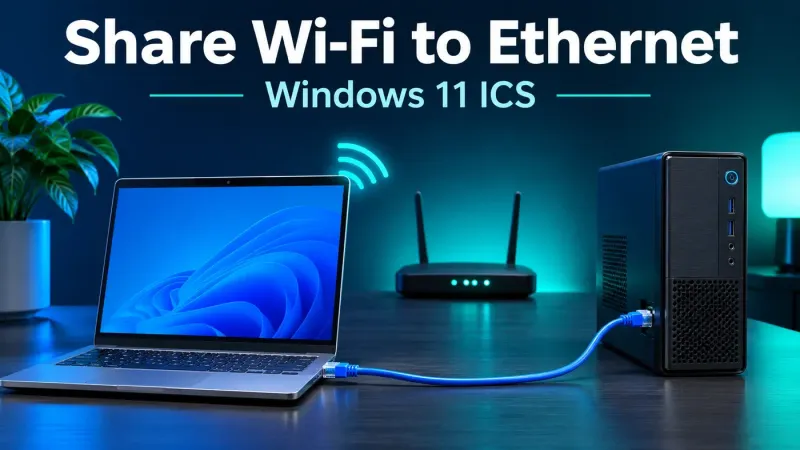
Share a working Wi-Fi connection with an Ethernet device. Identify the two adapter roles, verify the client configuration and undo ICS safely if it interrupts access.
Windows network and internet problems
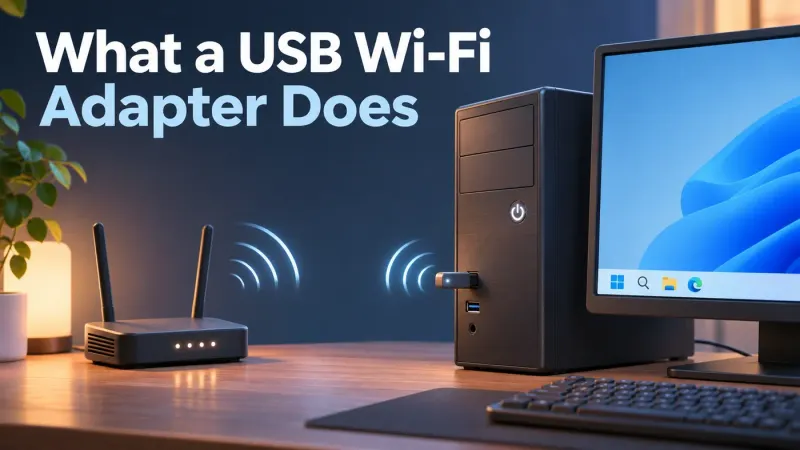
Know when a USB Wi-Fi adapter will help, what it cannot fix and which support details to check before buying. Verify the device, Wi-Fi connection and required app separately.

Windows network and internet problems
Choose a compatible file-transfer route for Windows, iPhone, iPad or Mac. Send a local copy, troubleshoot discovery and verify the entire received batch.
Windows network and internet problems
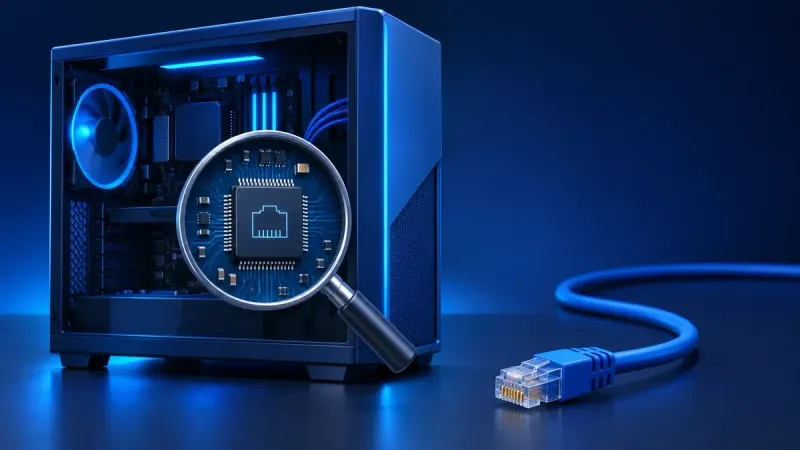
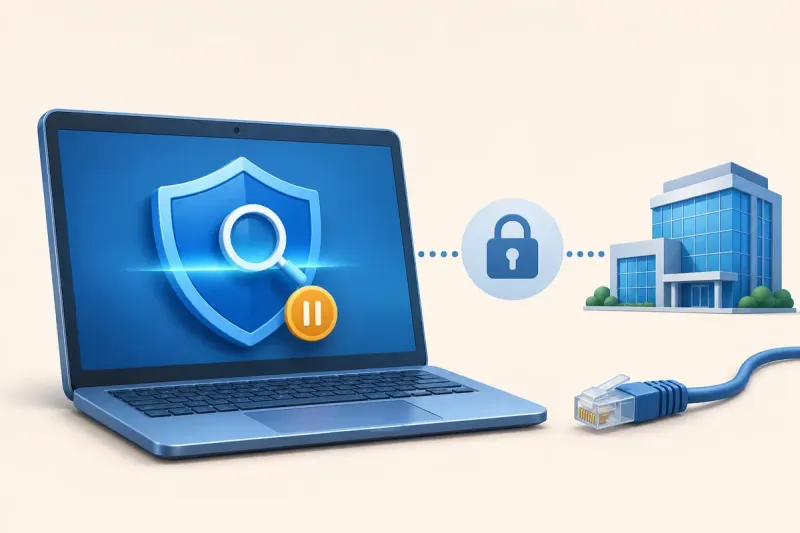
Find out whether Windows detects the wired controller, match its driver to your hardware and stop repeating installers that cannot find the device.
Windows network and internet problems
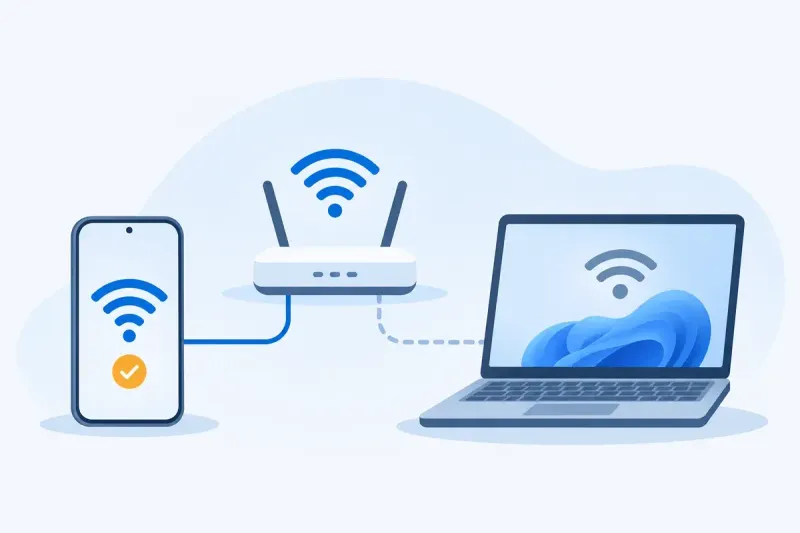
Check that the phone uses the same Wi-Fi, identify where the laptop connection fails, and compare networks before changing profiles, drivers or network settings.
Windows network and internet problems
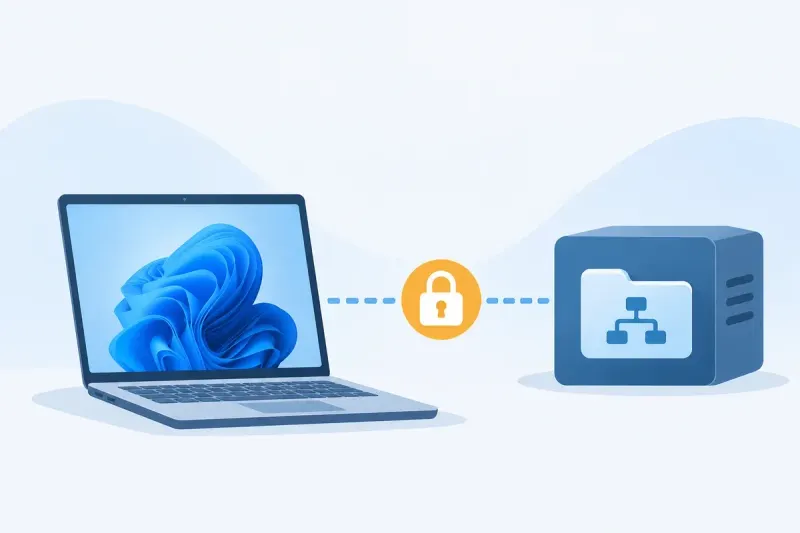
Identify the exact operation behind an unspecified network error, then check one share, its account and the server policy before making broader changes.
Windows network and internet problems
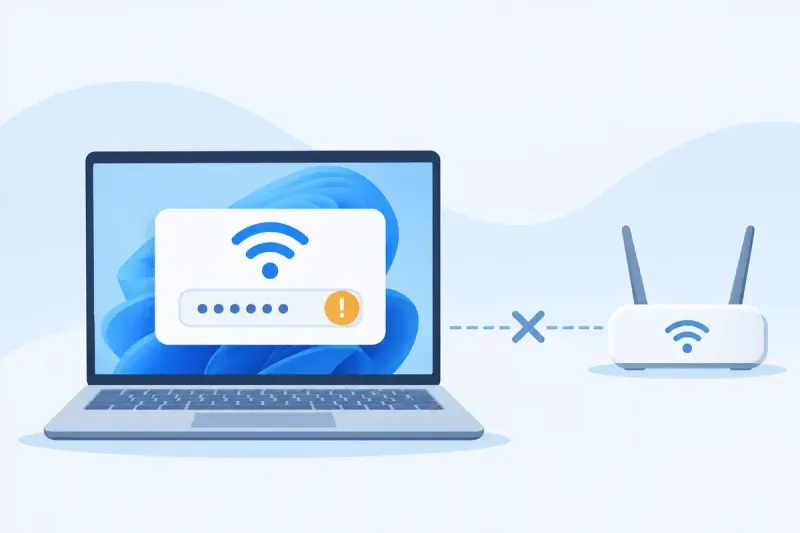
Confirm the current network credentials, then separate a stale profile from router compatibility or a PC driver problem. Keep security enabled while checking.
Windows network and internet problems
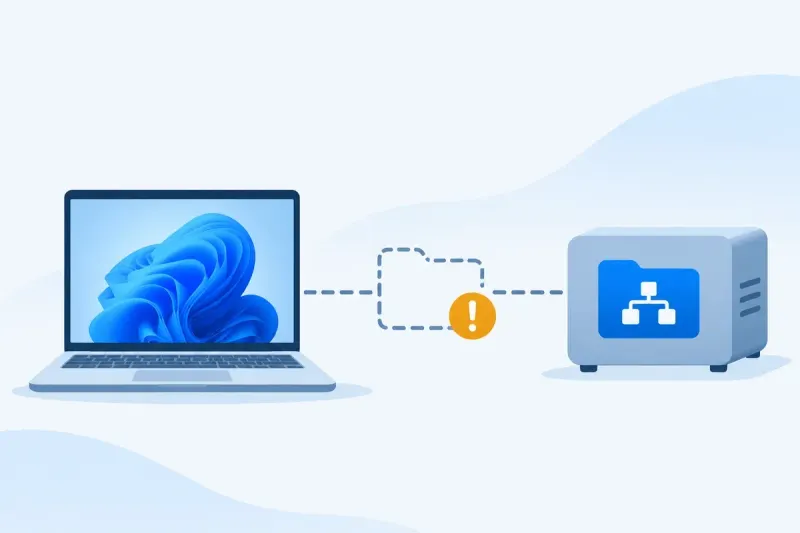
Separate an incorrect share path from a failed connection or SMB sign-in. Use a targeted server check before changing sharing or security settings.
