Repair a Corrupted Video File Without Losing the Original
Choose a video repair from what survives: readable streams, a compatible conversion or reference-assisted recovery for an unfinished MP4 or MOV.
Troubleshooting guides
Understand Windows 11 DISM and SFC failures, choose a compatible repair source and check the options for repairing Windows while keeping apps and files.
Use this section when a Windows repair command fails. Copy the exact command and its final message, and note whether you ran it in normal Windows or a recovery environment. A code on its own is not enough to choose a repair.
Choose the requested-operation guide for that exact Windows Resource Protection message. It is different from a completed scan that found files it could not repair.
Choose the 0x800f081f guide when the message appears during DISM or feature repair. The same number during Windows Update may need a different route.
Choose a video repair from what survives: readable streams, a compatible conversion or reference-assisted recovery for an unfinished MP4 or MOV.
Restore a usable earlier copy before trying format-specific repair. Separate personal-file recovery from SFC, protect unstable storage and verify the saved contents.
Use the service start result to choose the next step, distinguish error 1719 from package actions and verify the same installation after repair.
Locate the intended app, check the full context menu and compare built-in administrator launch routes before changing security or repairing Windows.
Confirm the unwanted file, read the exact error and choose a normal deletion, an open-file check or a protected filesystem-repair route.
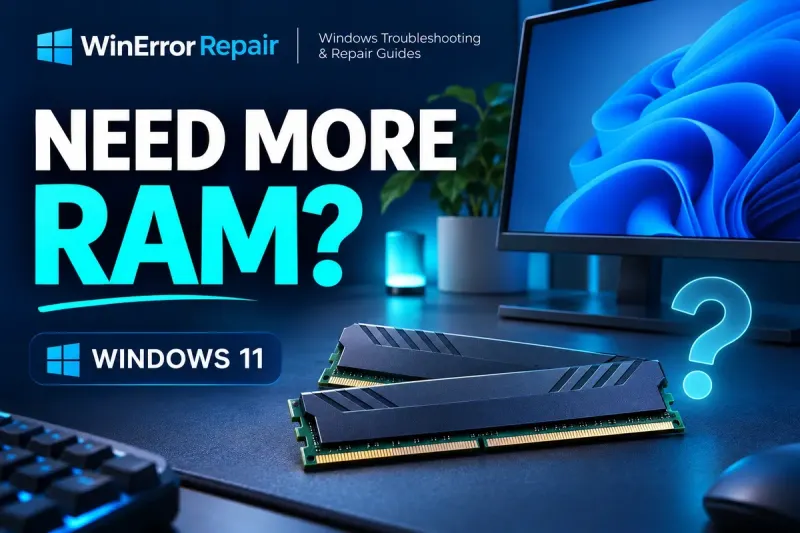
Compare memory readings during the task that slows down, then confirm upgrade support before buying RAM.
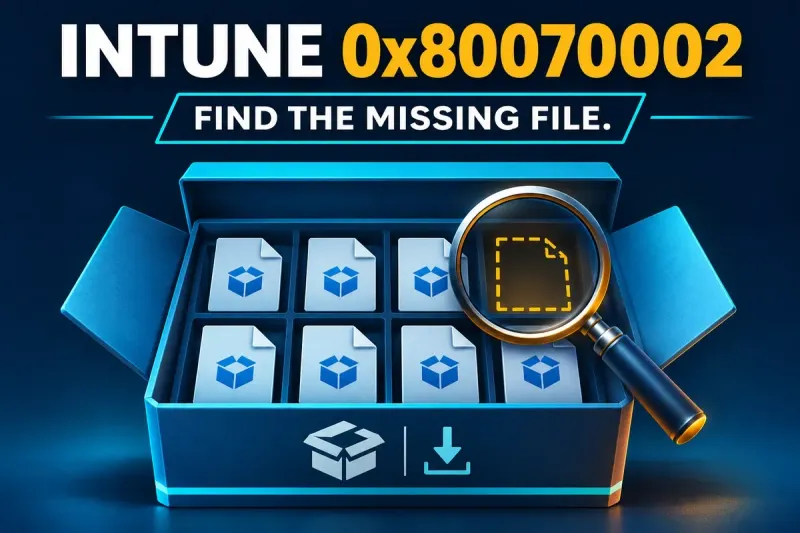
Use the failed Win32 app attempt to separate a missing installer, an unavailable script path and a detection failure without resetting the managed PC.
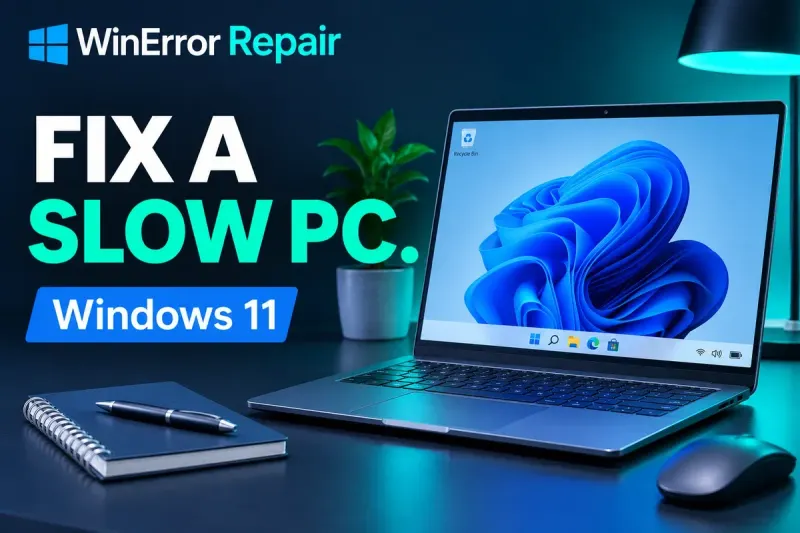
Find the workload behind a slow Windows 11 PC, choose a targeted change and check the original task before trying another fix.
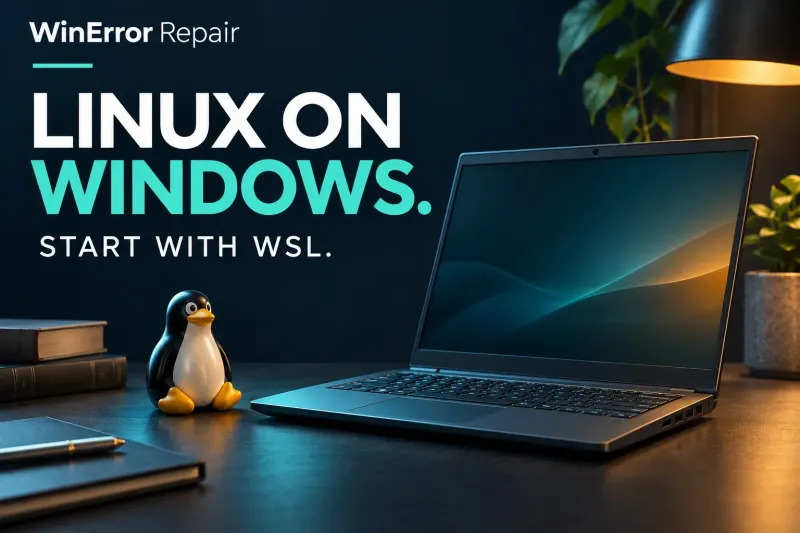
Choose WSL for Linux tools inside Windows, then install a distribution, create its user and confirm the shell and file paths work.
Start with Resource Monitor and the actual files being read or written. High disk activity alone does not identify a damaged kernel or a failed drive.
Find the Memory integrity switch, understand the security cost, verify the result after restarting and turn protection back on when the compatibility check ends.
Read the named feature and identify the requesting app. Windows 11 26H1 changes how .NET 3.5 is installed.