Windows devices, printers and drivers
Touchpad not working in Windows 11? Start with these checks
Separate a dead pointer from missing gestures, check mouse-related disabling, and identify the right device before changing its driver.
Windows devices, printers and drivers
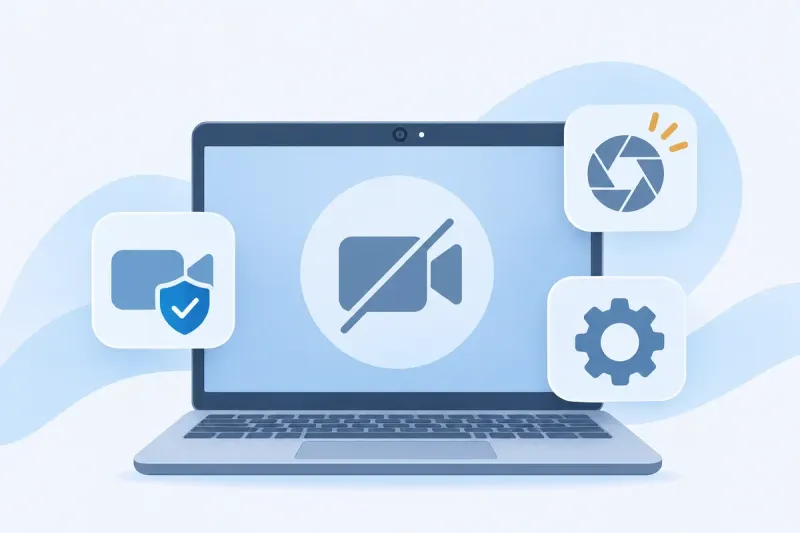
Use the Windows Camera preview to separate an app problem from blocked access, a disabled camera or a missing device.
Windows devices, printers and drivers
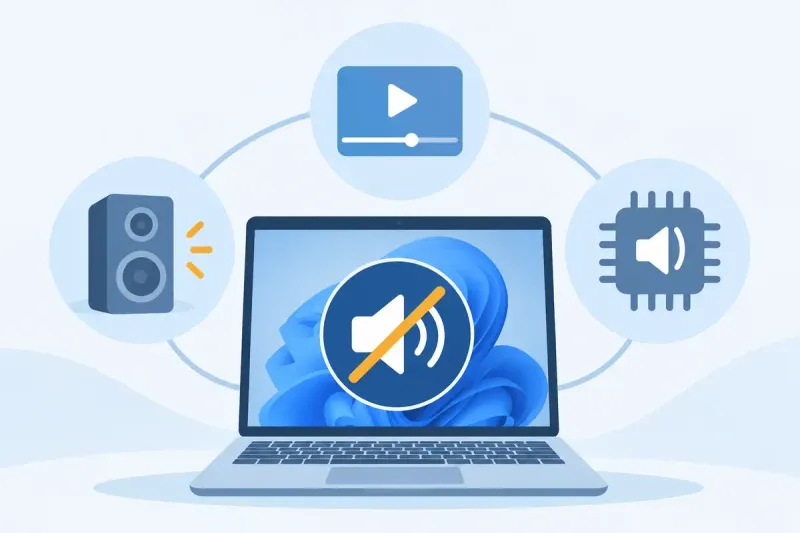
Separate a silent app, the wrong output and a missing audio device before changing Windows settings or reinstalling a driver.
Windows devices, printers and drivers
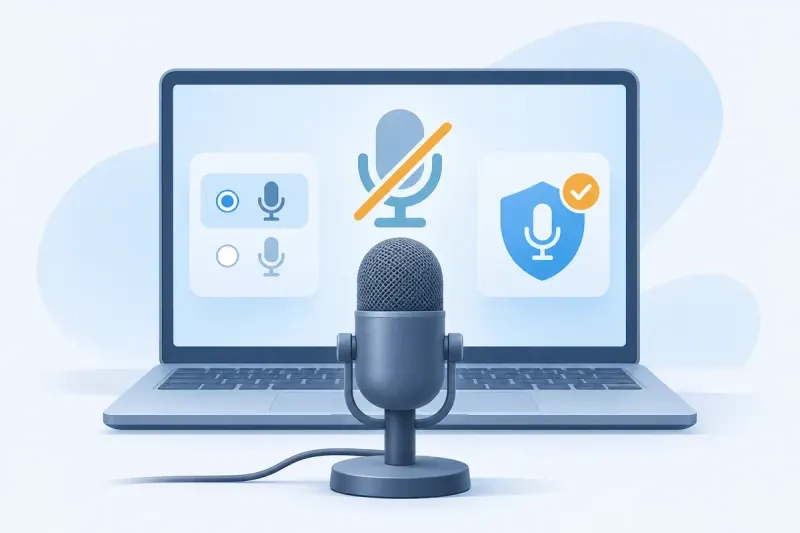
Use a recorded sample to choose between input, app permissions and driver checks, with separate steps for a microphone Windows cannot find.
Windows devices, printers and drivers
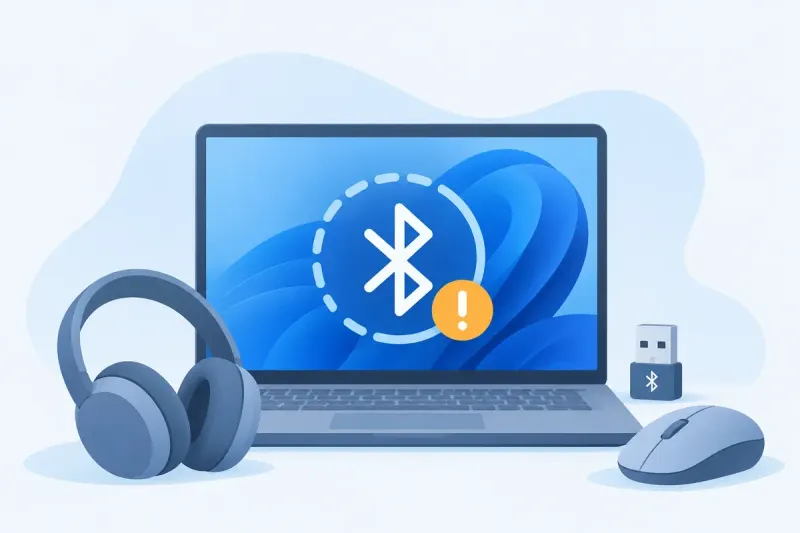
Choose the right check for a device that never appears, refuses to reconnect or connects without sound, with driver recovery kept in its proper place.
Windows devices, printers and drivers
Separate a missing Bluetooth control from a pairing problem, then check power, adapter detection and the driver change that matters.
Choose a recovery route that your PC can actually use, with specific checks for recent software, update and backup changes.
Use the completed repair result, its log and the last change to choose the next recovery action before resetting Windows.
Compare the shutdown paths, test Fast Startup reversibly, and isolate a device or background app without repeated forced power-offs.
Test memory, separate hardware errors from driver changes, and use the crash parameters before choosing a repair.
Check Continue, identify recovery-media startup, and choose the right tool when the menu repeats or an option is missing.
Choose a recovery route for registry stop code 0x74, with restore-point requirements, file consequences and clear limits on repair commands.