Windows devices, printers and drivers
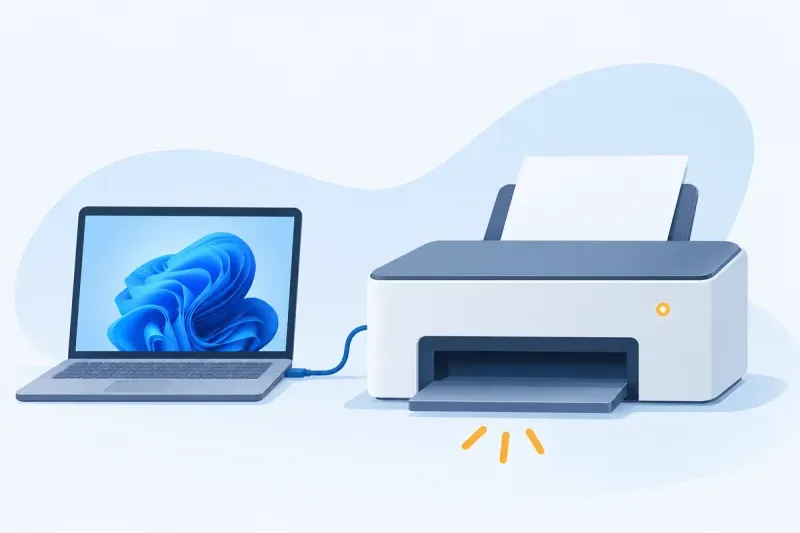
Windows 11 can't find your printer: check discovery and installation
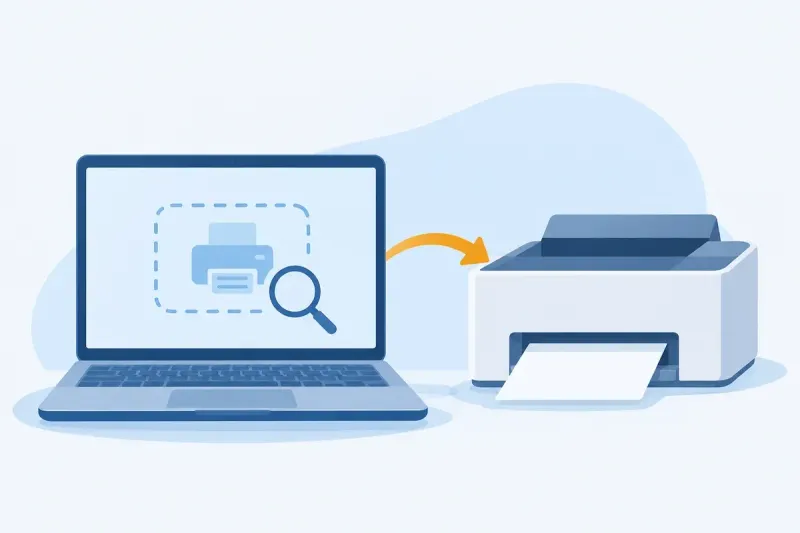
Check the Windows printer list first, then follow the USB, network or shared-printer setup that matches your connection.
Windows devices, printers and drivers
Compare the printer's internal page with a Windows test page before clearing a queue or reinstalling a driver.
Windows devices, printers and drivers
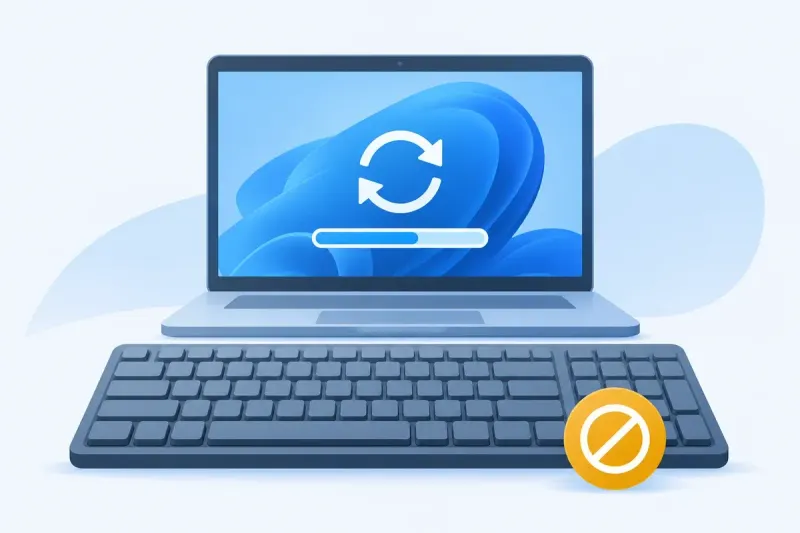
Regain input first, then separate a connection fault, a startup-state problem and a driver regression before removing an update.
Windows devices, printers and drivers
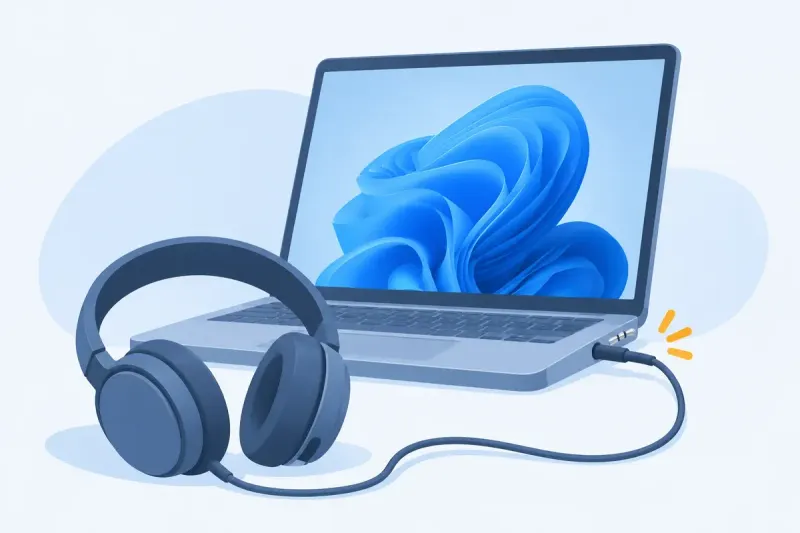
Check the physical connection and selected audio path before changing drivers, then investigate boot-only jack detection and verify reconnecting.
Windows devices, printers and drivers
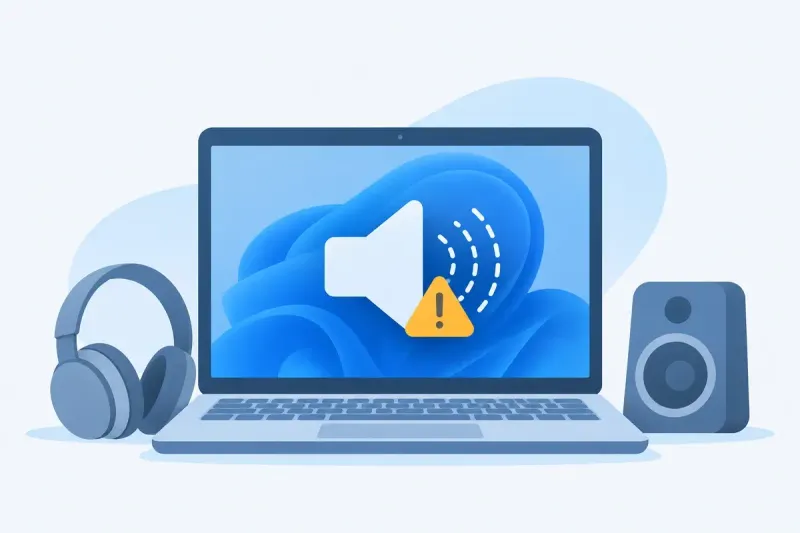
Separate a missing audio controller from an existing silent output, then choose the correct package or rollback and verify detection after restarting.
Windows devices, printers and drivers
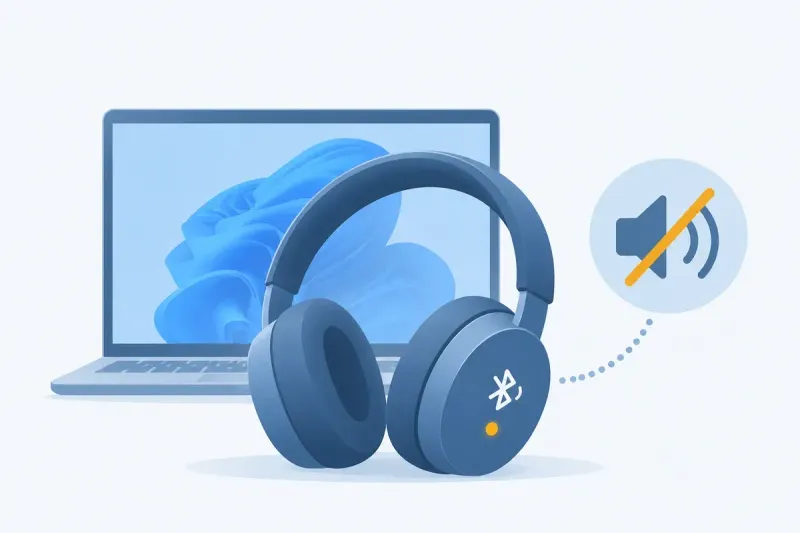
Find whether Windows output, one app, call audio or another paired device is keeping your connected headphones silent.
Windows devices, printers and drivers
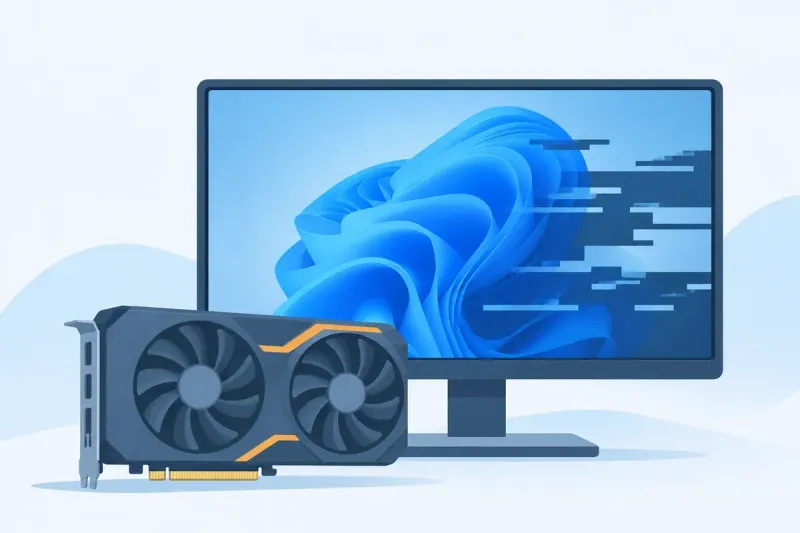
Match the crash to the game, driver change or package mismatch before using rollback, a supported reinstall or AMD Cleanup Utility.
Windows devices, printers and drivers
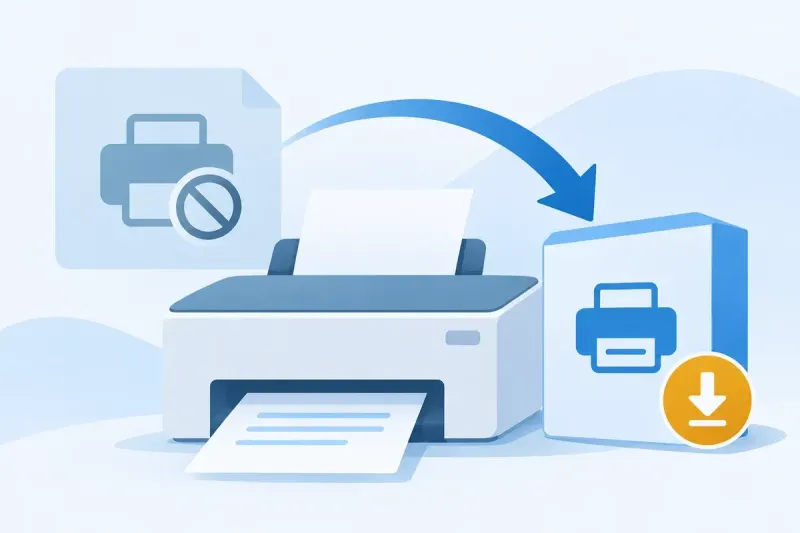
Check the exact printer, PC architecture and protected print mode before updating the driver or removing the printer.
Windows devices, printers and drivers
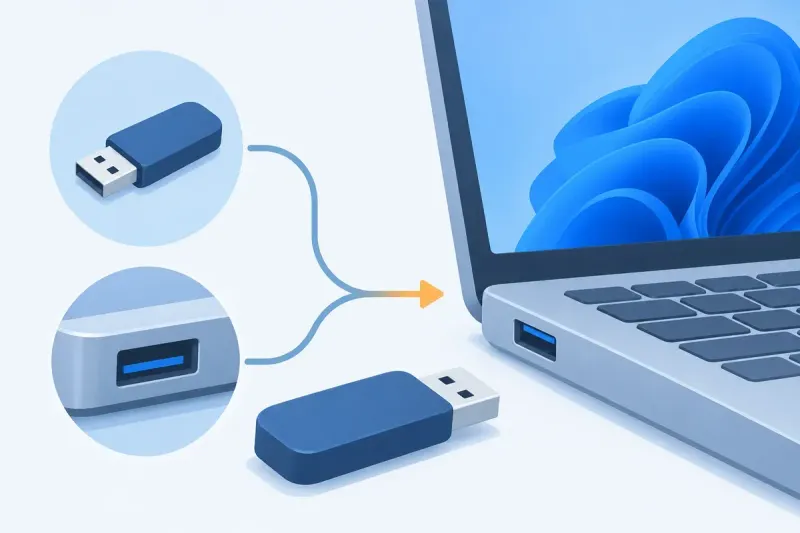
Separate a device fault from a PC or dock problem, record the exact error and protect stored files before changing drivers.
Windows devices, printers and drivers
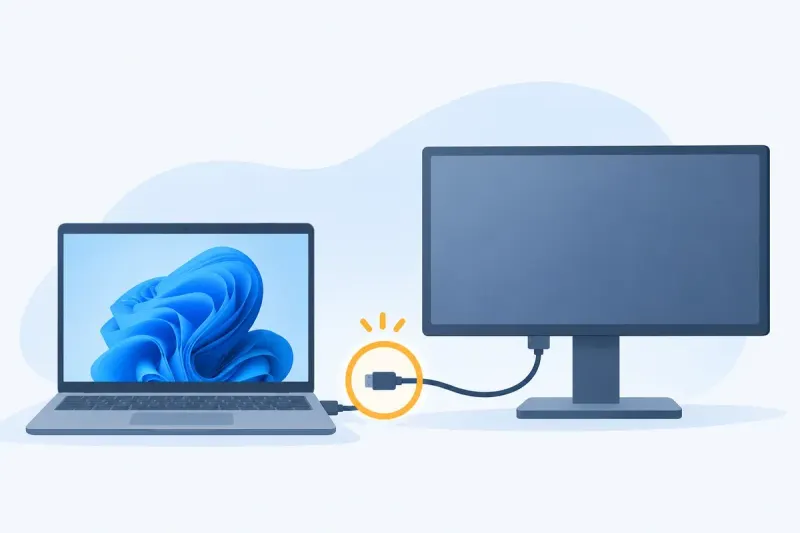
Find whether Windows is missing the display, using the wrong mode or losing the dock connection before changing graphics drivers.
Windows devices, printers and drivers
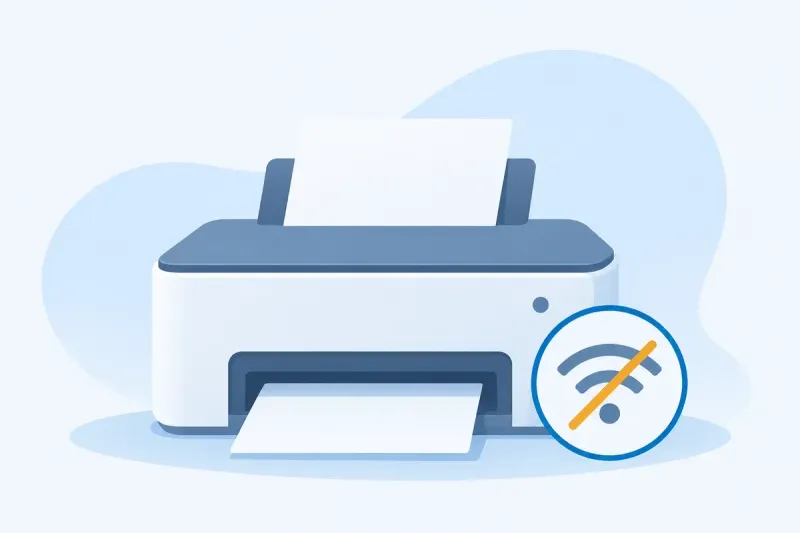
Check whether the printer is unreachable or Windows is reporting it offline, then work through the right queue, connection and spooler checks.
Windows devices, printers and drivers
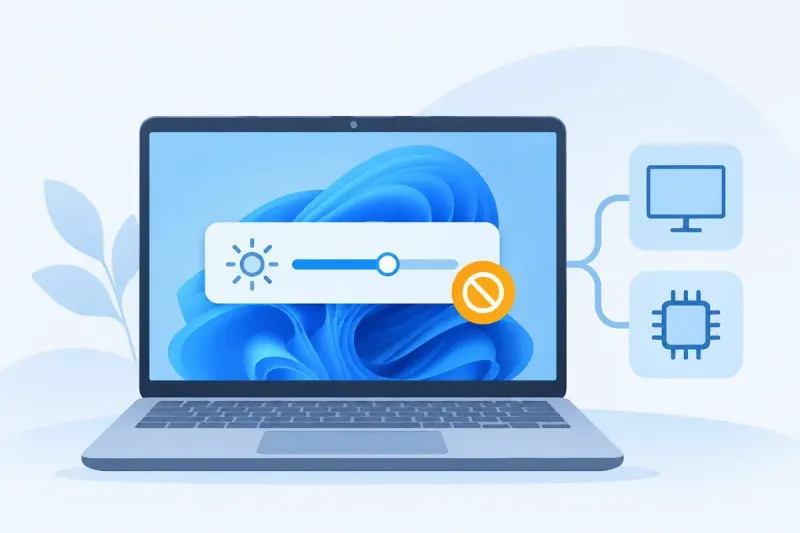
Check which display you're adjusting, then separate missing controls, automatic brightness and driver problems before reinstalling anything.