Windows devices, printers and drivers
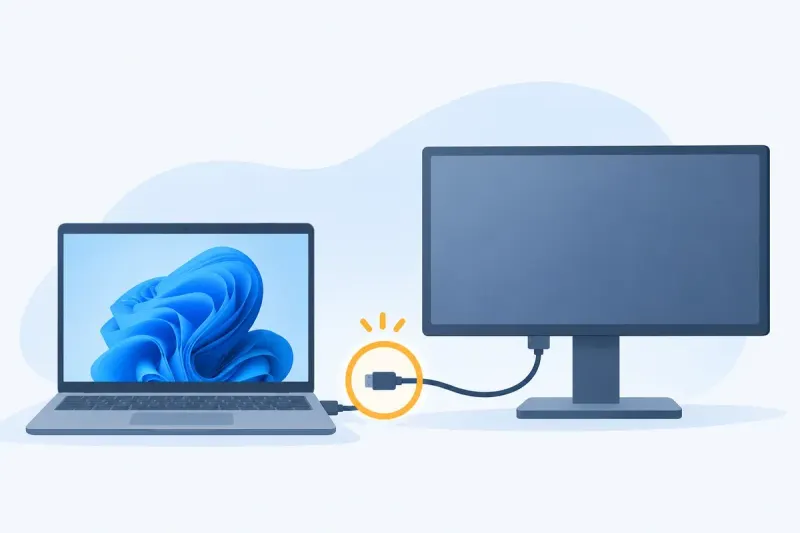
Windows 11 second monitor not detected: find the failing connection
Find whether Windows is missing the display, using the wrong mode or losing the dock connection before changing graphics drivers.
Troubleshooting guides
Diagnose Windows 11 printing, Bluetooth, audio, camera, display and input problems. Separate a missing device from a connection, permission or driver failure.
Windows devices, printers and drivers
Find whether Windows is missing the display, using the wrong mode or losing the dock connection before changing graphics drivers.
Windows devices, printers and drivers
Check whether the printer is unreachable or Windows is reporting it offline, then work through the right queue, connection and spooler checks.
Windows devices, printers and drivers
Check which display you're adjusting, then separate missing controls, automatic brightness and driver problems before reinstalling anything.
Windows devices, printers and drivers
Separate a dead pointer from missing gestures, check mouse-related disabling, and identify the right device before changing its driver.
Windows devices, printers and drivers
Use the Windows Camera preview to separate an app problem from blocked access, a disabled camera or a missing device.
Windows devices, printers and drivers
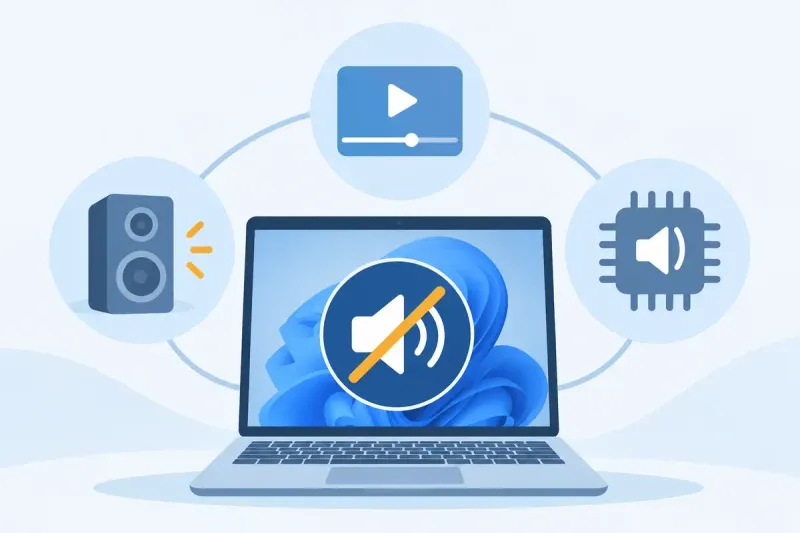
Separate a silent app, the wrong output and a missing audio device before changing Windows settings or reinstalling a driver.
Windows devices, printers and drivers
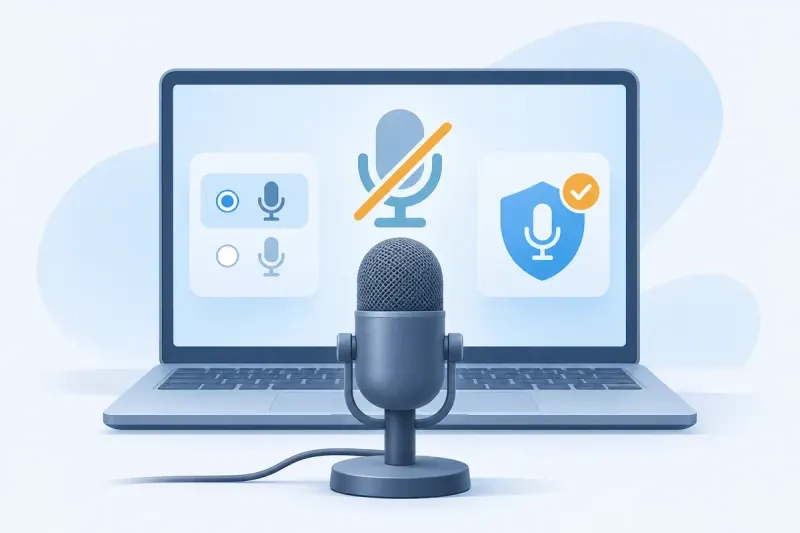
Use a recorded sample to choose between input, app permissions and driver checks, with separate steps for a microphone Windows cannot find.
Windows devices, printers and drivers
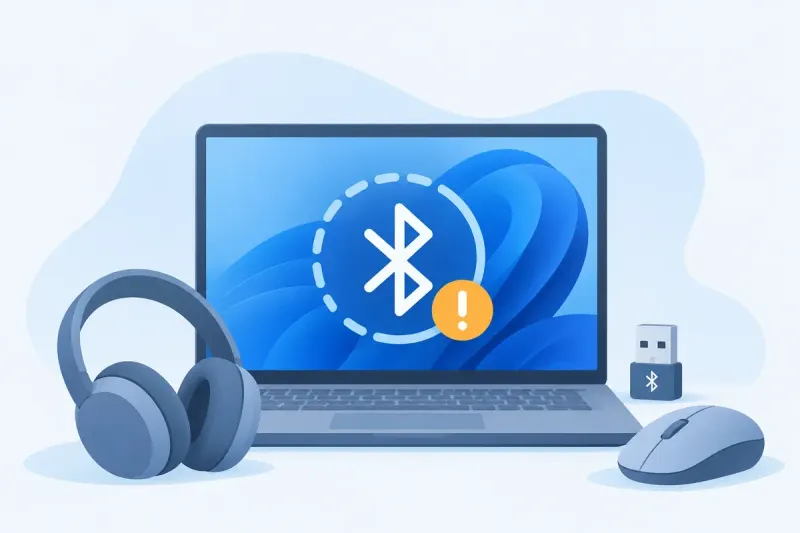
Choose the right check for a device that never appears, refuses to reconnect or connects without sound, with driver recovery kept in its proper place.
Windows devices, printers and drivers
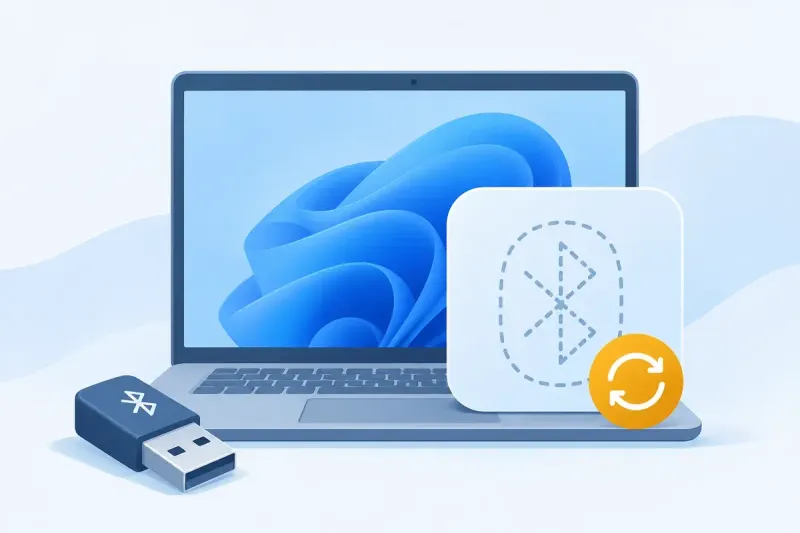
Separate a missing Bluetooth control from a pairing problem, then check power, adapter detection and the driver change that matters.