Windows devices, printers and drivers
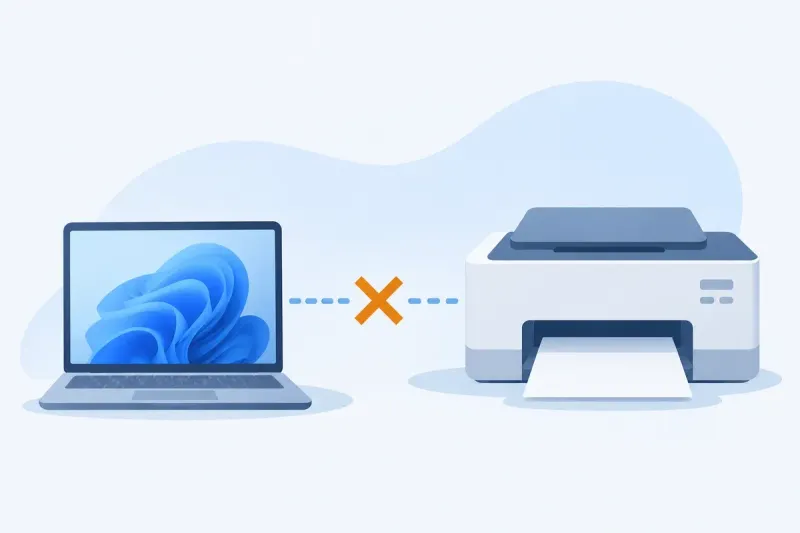
Shared printer error 0x0000011b in Windows 11: check both PCs
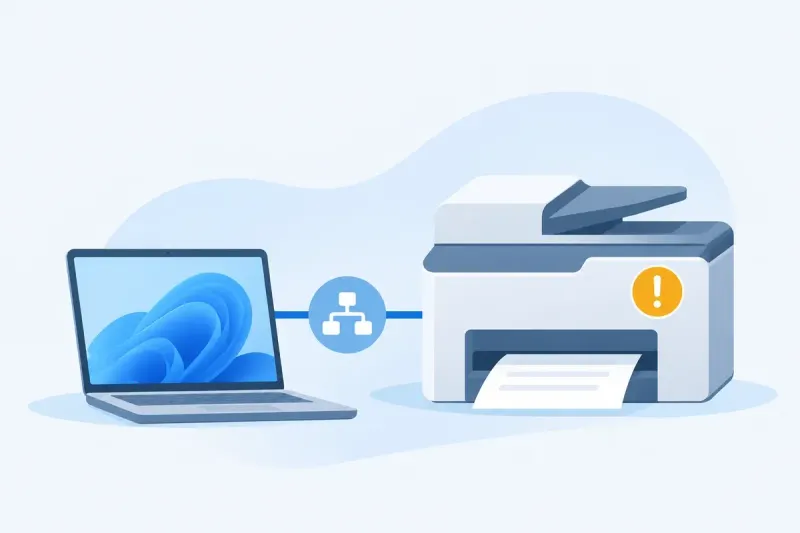
Check the sharing computer as well as the client, reconnect the confirmed share and keep printer authentication protections in place.
Troubleshooting guides
Diagnose Windows 11 printing, Bluetooth, audio, camera, display and input problems. Separate a missing device from a connection, permission or driver failure.
Windows devices, printers and drivers
Check the sharing computer as well as the client, reconnect the confirmed share and keep printer authentication protections in place.
Windows devices, printers and drivers
Check whether adding a shared printer or choosing an installed default failed before changing the registry or network policy.
Windows devices, printers and drivers
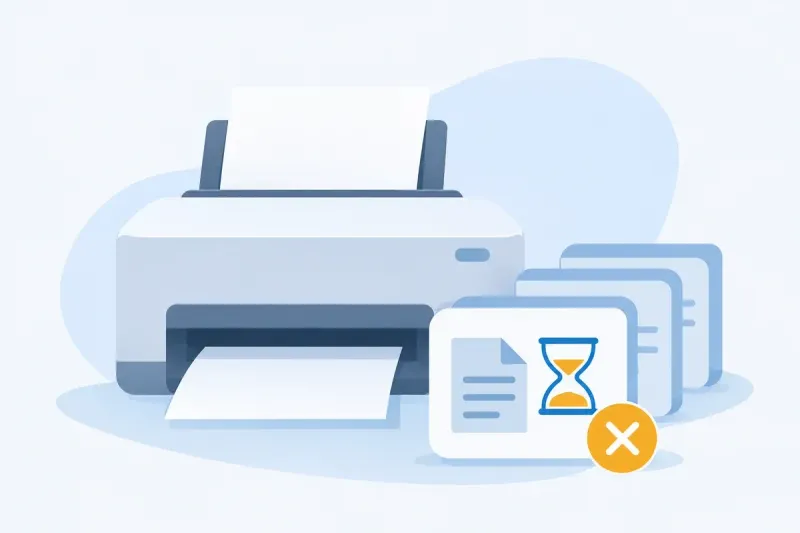
Cancel the blocked document first, then restart Print Spooler or clear pending spool files only when cancellation fails.
Windows devices, printers and drivers
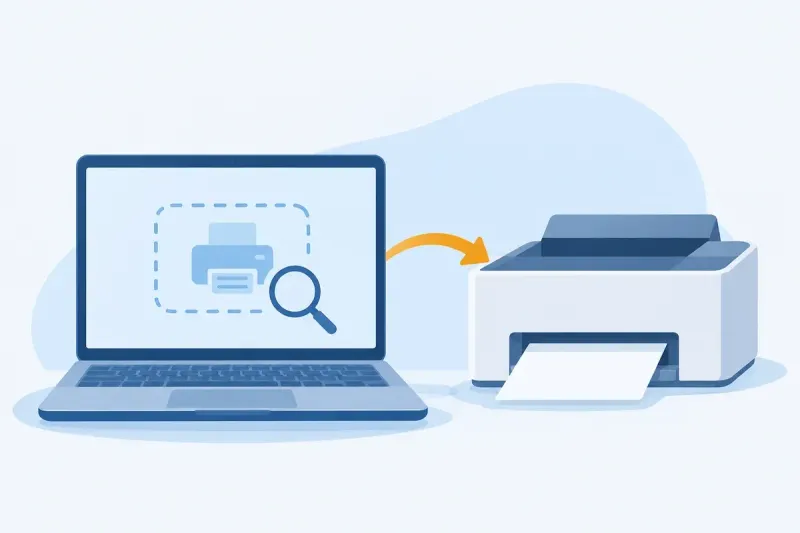
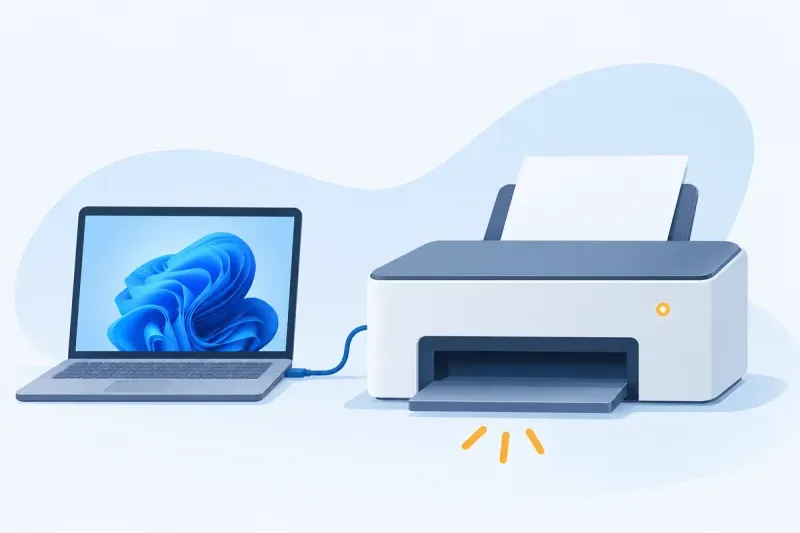
Check the Windows printer list first, then follow the USB, network or shared-printer setup that matches your connection.
Windows devices, printers and drivers
Compare the printer's internal page with a Windows test page before clearing a queue or reinstalling a driver.
Windows devices, printers and drivers
Regain input first, then separate a connection fault, a startup-state problem and a driver regression before removing an update.
Windows devices, printers and drivers
Check the physical connection and selected audio path before changing drivers, then investigate boot-only jack detection and verify reconnecting.
Windows devices, printers and drivers
Separate a missing audio controller from an existing silent output, then choose the correct package or rollback and verify detection after restarting.
Windows devices, printers and drivers
Find whether Windows output, one app, call audio or another paired device is keeping your connected headphones silent.
Windows devices, printers and drivers
Match the crash to the game, driver change or package mismatch before using rollback, a supported reinstall or AMD Cleanup Utility.
Windows devices, printers and drivers
Check the exact printer, PC architecture and protected print mode before updating the driver or removing the printer.
Windows devices, printers and drivers
Separate a device fault from a PC or dock problem, record the exact error and protect stored files before changing drivers.