Windows Update errors and installation problems
Windows 11 update stuck at 100%: what to do on each screen
The words beside 100% matter. Choose the desktop download, installation or recovery route, then verify the original update after restarting.
Windows Update errors and installation problems
0x80240034 means the update failed to download. Check the connection and diagnostic, request fresh files when needed, then verify the original KB.
Windows Update errors and installation problems
One code can end several different installer failures. Match the failed KB and earlier CBS entries before changing a partition, task or Windows feature.
Windows Update errors and installation problems
A failed cumulative update and its missing dependency can be different packages. Preserve the CBS evidence, repair the store and verify the original KB.
Windows Update errors and installation problems
A repeated driver offer can fail even when the device works. Identify the driver, check the device and avoid removing a working installation just to clear the message.
Windows Update errors and installation problems
Check the installed version and edition before another attempt. A feature-upgrade rollback, monthly KB failure and standalone package error need different evidence.
Windows Update errors and installation problems
Confirm the starting version and intended target before another attempt. A 25H2 enablement failure, monthly update error and full Setup rollback need different evidence.
Windows Update errors and installation problems
A download at 0% needs a different check from an installation or firmware flash. Verify download conditions, run the diagnostic and preserve the failure evidence.
Windows Update errors and installation problems
Start with the failed update and its stage. Use the diagnostic, logs and a proportionate repair, then check that the original package installs.
Windows Update errors and installation problems
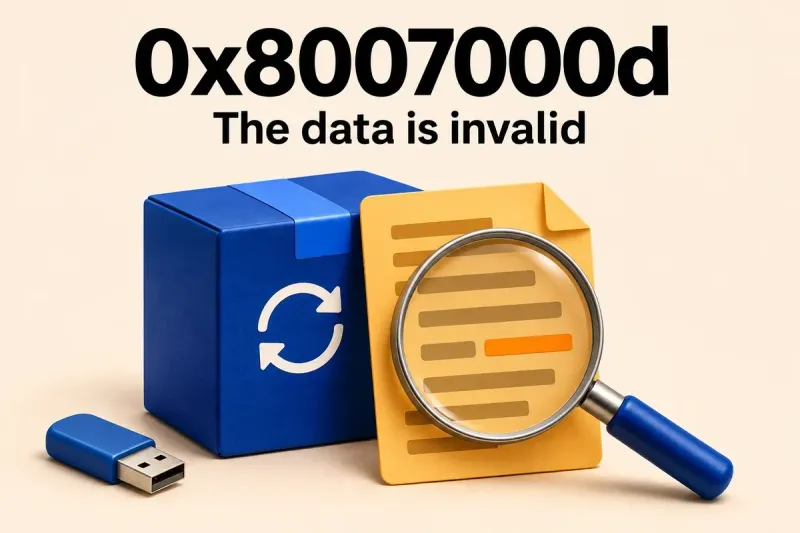
Match invalid data to the failing operation: Windows Update, Installation Assistant, a rollback or USB Setup. Preserve evidence and choose the appropriate repair.
Windows Update errors and installation problems
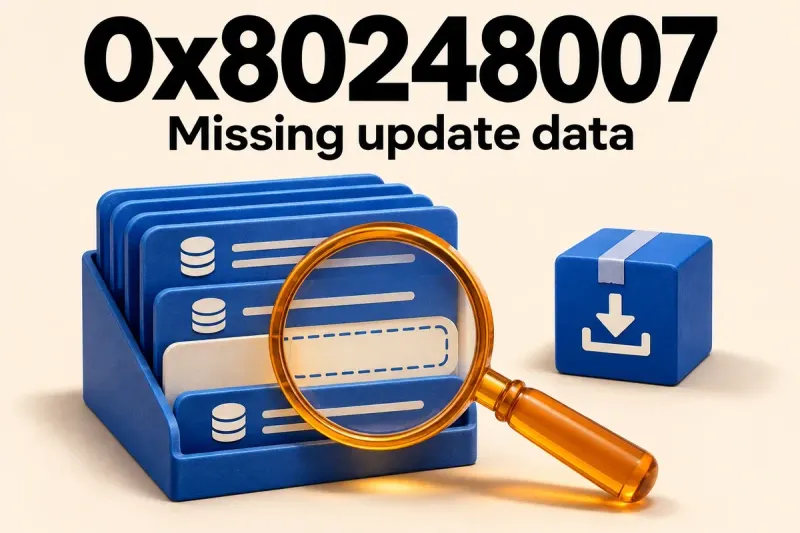
Find the missing update-data operation, preserve a fresh log and choose between a controlled cache refresh, managed-source checks and component repair.
Windows Update errors and installation problems
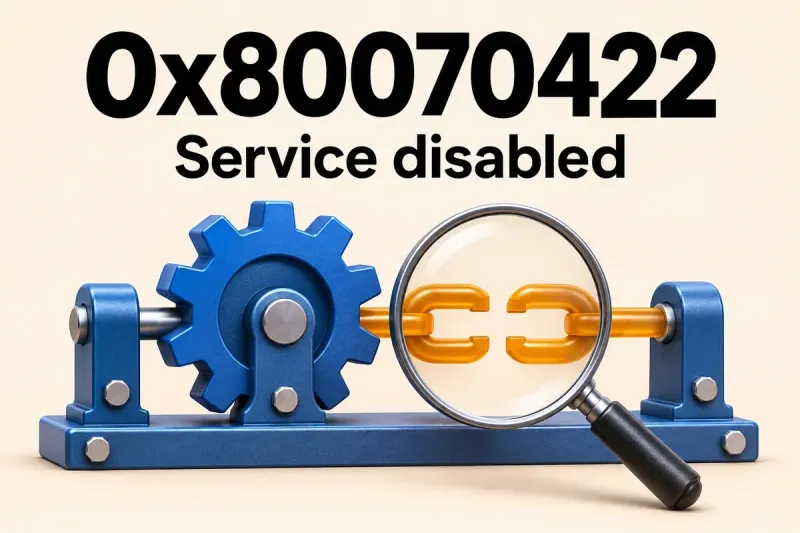
Find the disabled service before changing Windows. Check Update service settings, respect managed policy and separate Xbox or Store failures.