Repair a Corrupted Video File Without Losing the Original
Choose a video repair from what survives: readable streams, a compatible conversion or reference-assisted recovery for an unfinished MP4 or MOV.
Enter a legitimate replacement key through Windows 11 Activation, check the installed edition and distinguish accepted key entry from successful activation.
Windows network and internet problems
Use your phone as the laptop's internet source, check coverage and hotspot limits, and prepare a supported USB fallback without changing Windows sharing controls.
Windows desktop, search and sleep
Remove the intended Store app through Installed apps or Start, preserve needed data and distinguish an installation from a shortcut or Library listing.
Windows desktop, search and sleep
Separate individual hover thumbnails from Snap groups, review the documented administrative policy and use automatic hiding as a reversible workaround.
Windows network and internet problems
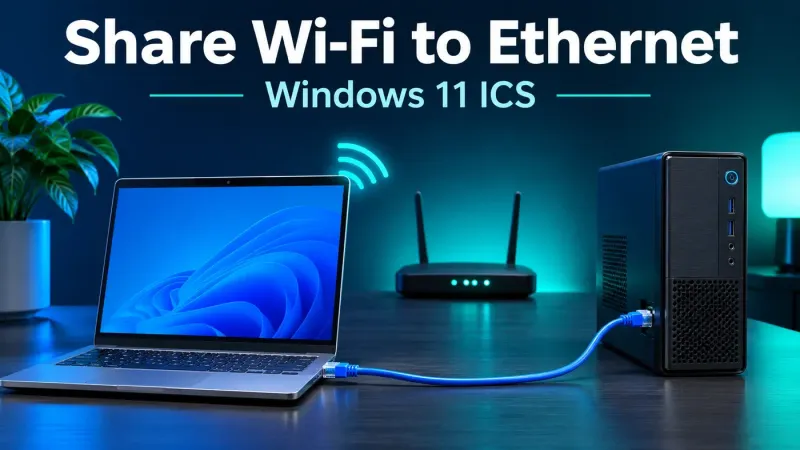
Share a working Wi-Fi connection with an Ethernet device. Identify the two adapter roles, verify the client configuration and undo ICS safely if it interrupts access.
Stop repeated sign-in attempts, identify the selected credential and follow the actual waiting or recovery instruction. Preserve the account and files you can still access.
Windows devices, printers and drivers
Start with the game's smoothing option, keep sensitivity unchanged and compare the same movements. Separate that choice from Windows acceleration and actual connection lag.
Windows desktop, search and sleep
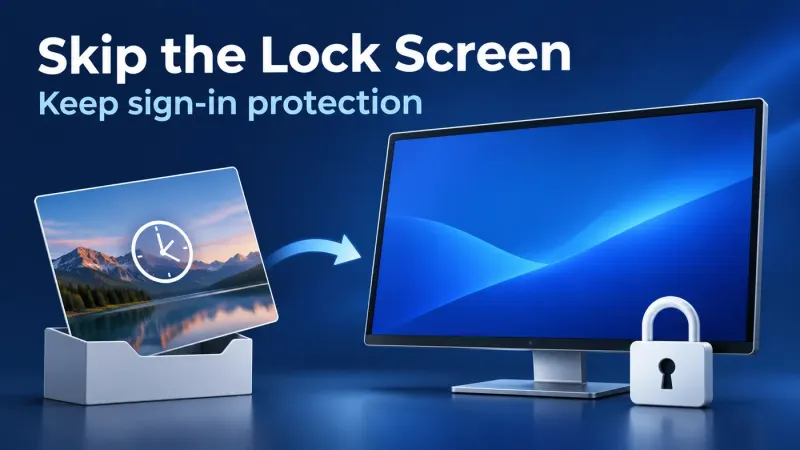
Remove the extra picture-and-clock layer on a supported Windows edition. Choose the correct policy, preserve sign-in protection and verify the result before keeping the change.
Windows network and internet problems
Know when a USB Wi-Fi adapter will help, what it cannot fix and which support details to check before buying. Verify the device, Wi-Fi connection and required app separately.
Choose the right route for one Windows app while keeping Linux. Set up a Bottles environment, launch the installed program and verify the files and features you need.
Prepare a Windows USB on Linux, check the ISO and destination, configure Ventoy deliberately, then separate boot verification from the decision to erase Linux.