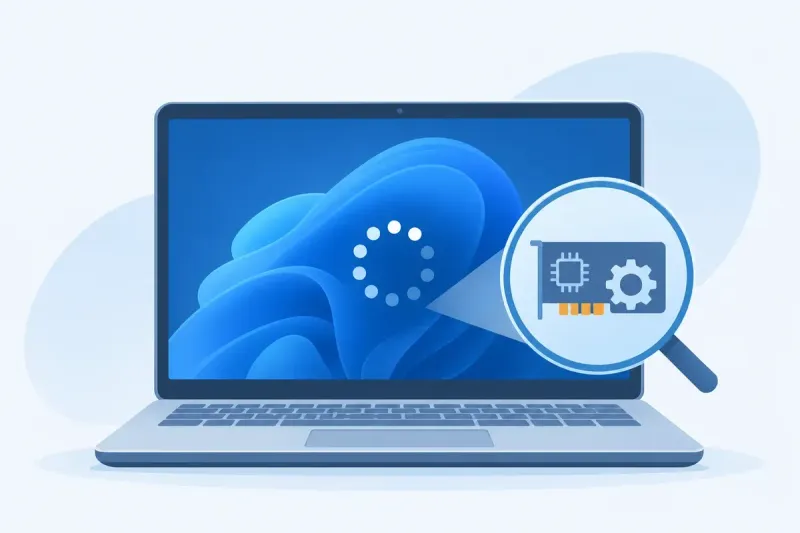
Driver Power State Failure in Windows 11: isolate the trigger
Record the failed power transition, compare the relevant driver or accessory, and restore temporary settings before retesting.
Windows troubleshooting
Find clear, step-by-step help for Windows updates, startup problems, devices, and internet connections.
Record the failed power transition, compare the relevant driver or accessory, and restore temporary settings before retesting.
Check whether firmware and recovery can see the Windows disk, then choose a targeted recovery step for the recent change.
Separate a frozen repair screen from failed Startup Repair, then choose recovery by the recent change and protect your files.
Compare accounts and Safe Mode before changing a profile, then choose recovery by the change that preceded the sign-in failure.
Use the crash pattern and recent changes to choose a targeted check, with separate steps for a working desktop and a startup loop.
Check whether Windows can display Task Manager, then investigate the missing desktop before choosing a reset or reinstall.
Separate a frozen restart from an update or crash loop, enter recovery with the right route and choose a repair before considering a reset.
Windows Update errors and installation problems
Trace the failed name before resetting anything. Separate a personal PC from a managed WSUS client and verify the source for an optional feature.
Windows Update errors and installation problems
Separate an update-check error from a failed download or installation, keep the diagnostic evidence and choose the next repair for Windows 10 or 11.
Windows Update errors and installation problems
Find out whether a missing offer, a compatibility rejection or a failed installation is keeping the PC on 23H2, then choose the appropriate upgrade path.
Windows Update errors and installation problems
Separate a completed rollback from a restart loop. Recover access with the right Windows tools, then investigate the failed update before retrying.
Windows Update errors and installation problems
Identify the upgrade stage before resetting anything. Check Assistant requirements, preserve rollback evidence and choose the repair that fits the failure.