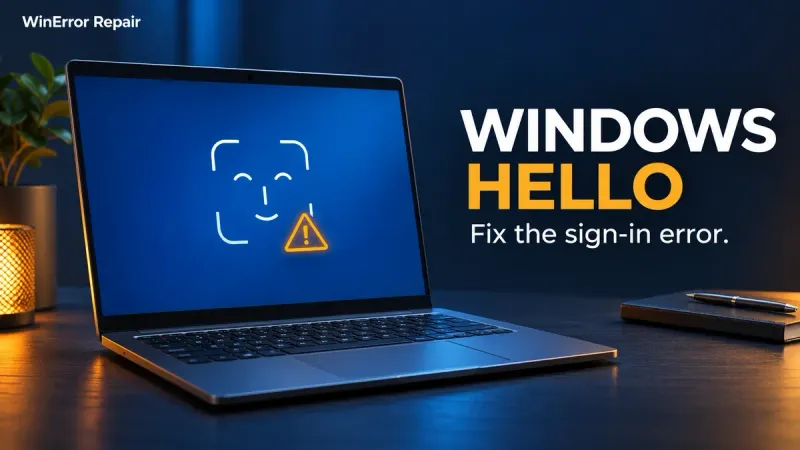
Windows Hello: Fix Something Went Wrong in Windows 11
Keep a working sign-in, separate PIN failures from face and fingerprint errors, and choose the repair that matches the full message.
Windows devices, printers and drivers
Read the installed package and the exact component separately before comparing chipset versions or choosing an update.
Check the installed license channel, original purchase and transfer conditions before reinstalling Windows or changing the motherboard.
Windows devices, printers and drivers
Separate Excel-only pointer visibility from a dead mouse, then compare files, Office settings and remote sessions safely.
Windows devices, printers and drivers
Check the exact NVVHCI device and supported package before trying an old driver, cleanup tool or forced installation.
Windows devices, printers and drivers
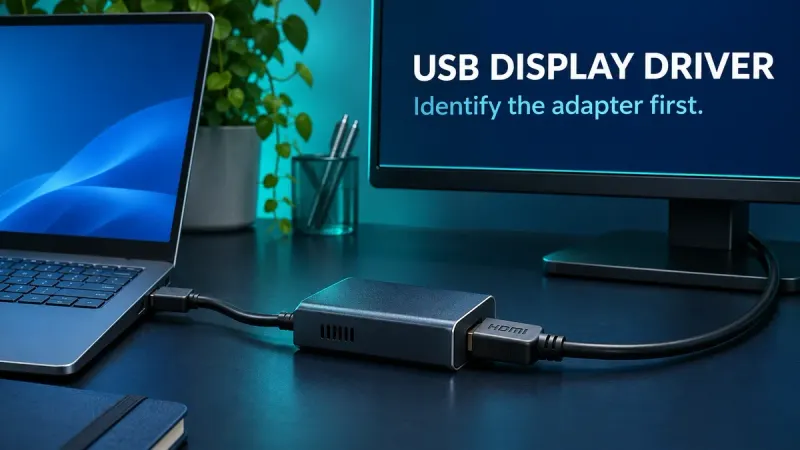
Identify the USB graphics device before choosing a driver, then follow the right path for a missing adapter, driver warning or blank external screen.
Windows devices, printers and drivers
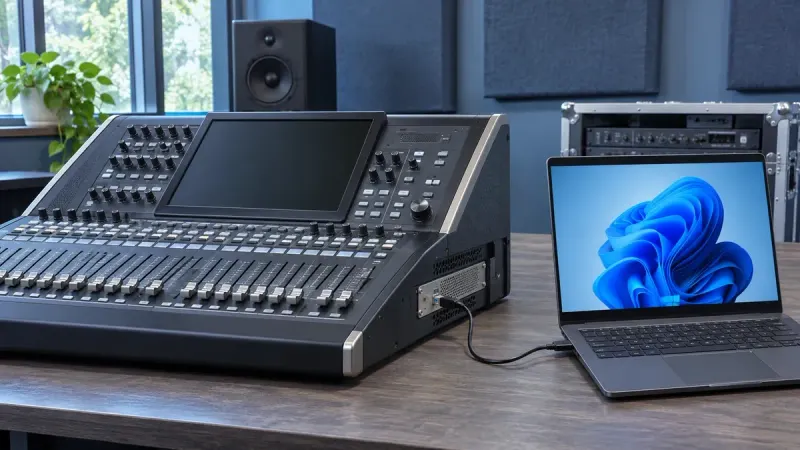
Identify the expansion card, get the matching official driver and check the recording path without disrupting your existing console routing.
Windows devices, printers and drivers
Match your WD drive to the right software, install the official Windows package and separate compatibility, detection and diagnostic failures.
Windows desktop, search and sleep
Separate a disabled TPM from unsupported hardware, create the intended Rufus media, and protect your apps and files when choosing how to start Setup.
Windows devices, printers and drivers
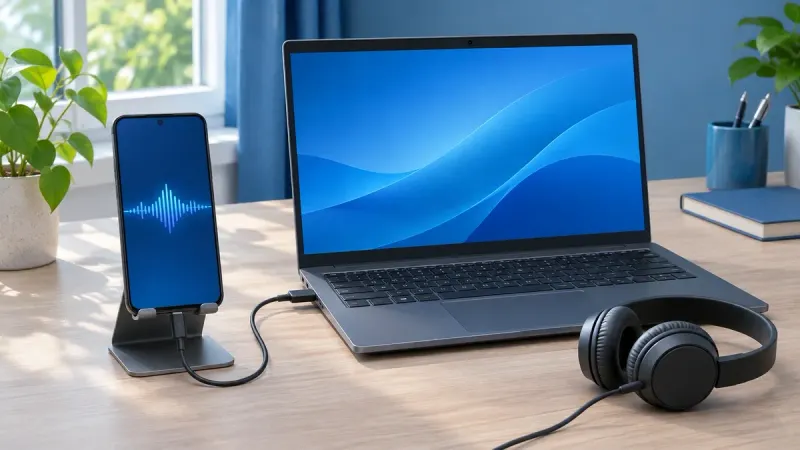
Connect a phone to the native WO Mic Windows client, verify the virtual driver and recording input, then fix the stage that actually fails.
Windows devices, printers and drivers
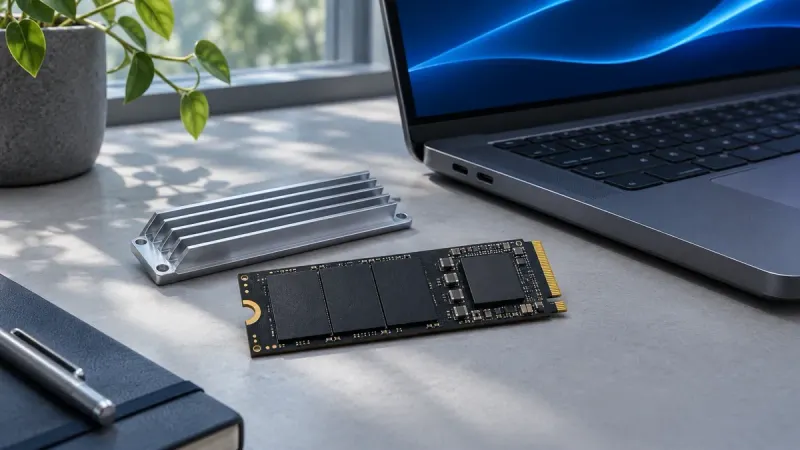
Read the Native NVMe support limits and published tests, then check the actual SSD slowdown without turning a hidden storage feature into a repair.
Windows Update errors and installation problems
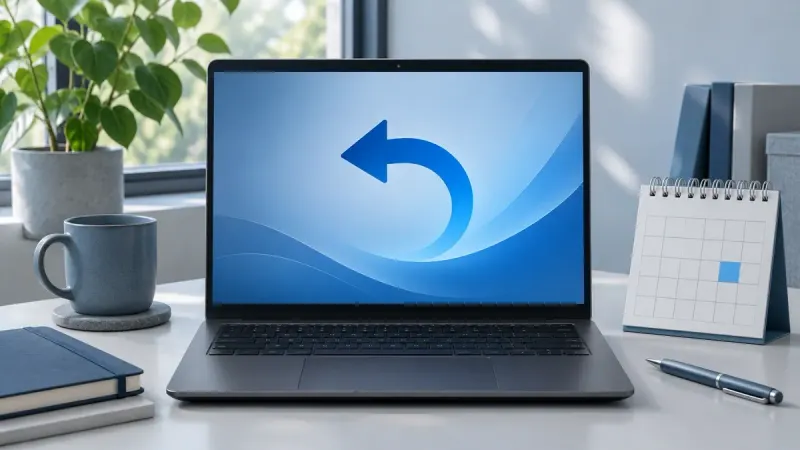
Choose the right rollback for a Windows update, version upgrade or device driver, protect your files, and verify the original problem afterward.