An App Needs a Windows Feature: .NET 3.5 Checks
Read the named feature and identify the requesting app. Windows 11 26H1 changes how .NET 3.5 is installed.
Windows desktop, search and sleep
Verify the real folder before changing its shortcut, permissions or drive. Missing files need recovery, not an empty replacement folder.
Record the stop code and named file, recover a stable session, then use the exception and driver evidence to choose one change.
Windows devices, printers and drivers
Use the matching event and the failing workload to choose a targeted graphics check, then compare whether the same failure returns.
Windows devices, printers and drivers
Read the actual service status and start error before changing audio drivers, service accounts or permissions.
Separate Microsoft account verification from Windows account linking, PIN setup and a frozen sign-in window before resetting anything.
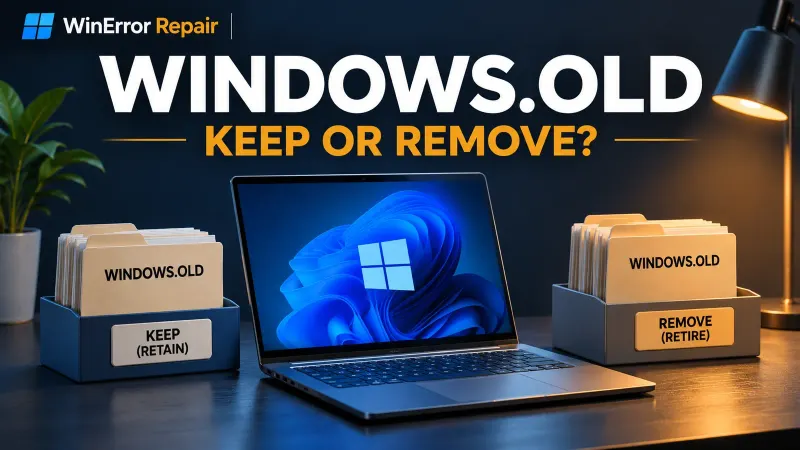
Decide whether to keep Windows.old, use the supported removal route, and separate a stalled scan from a missing category or failed deletion.
Identify the feature you need, check your installed edition, and avoid paying for Pro to fix an unrelated Windows problem.
Windows devices, printers and drivers
Read the right display in Windows, separate its ID from the laptop model, and confirm the full panel number before buying.
Windows desktop, search and sleep
Choose a built-in black screen, check sleep and sign-in separately, and restore your settings after the task.
Windows Update errors and installation problems
Identify the preinstallation update check, retry with the documented update option and verify that Setup will keep your files and apps.
Match the stuck screen to setup, reset or an account dialog, then check the available connection and recovery route before erasing anything.