DISM Error 2: Check the Target, Source and Servicing Logs
Separate an offline image-path failure from an error during an online scan. Check the target, repair source and matching servicing logs before another repair.
Troubleshooting guides
Understand Windows 11 DISM and SFC failures, choose a compatible repair source and check the options for repairing Windows while keeping apps and files.
Separate an offline image-path failure from an error during an online scan. Check the target, repair source and matching servicing logs before another repair.
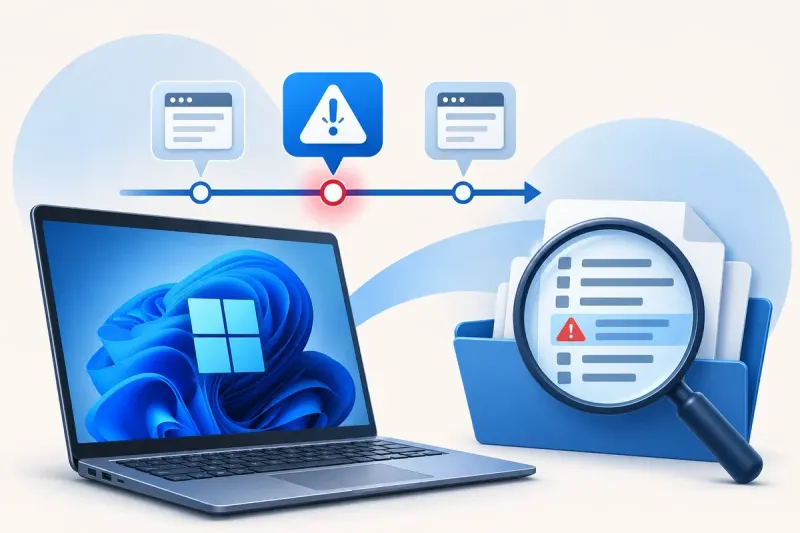
Find the record for an app exit, Windows restart or live hang. Keep its time, source and message together, then collect a matching dump only when one exists.
Save the failed command and log, distinguish the running Windows installation from an offline target, and choose a repair without guessing at RPC service settings.
Match the complete error, preserve the install or removal operation, and collect a targeted log before changing permissions, services or installed software.
Check the released Windows 10 fix, distinguish neighboring update branches and protect files before another reset. A newer reset failure needs its own evidence.
Cancel a stalled calculation, use the built-in storage route and keep system files intact while checking what actually failed.
Open a new administrator console, approve the Windows prompt and distinguish an account-rights problem from an SFC repair that starts but fails.
List the editions inside a Windows image, select the matching WIM index and check source compatibility before repeating a failed DISM repair.
Check whether DISM is still working at 62.3%, watch its logs in a separate window and use the final result to choose the next repair step.
An access violation identifies invalid memory access, not a single cause. Start with the crashing app and matching event, then choose a targeted check.
Choose Windows Update repair or an in-place reinstall from the desktop. Confirm Keep personal files and apps before installing, and stop if Setup cannot retain them.
Separate unrepaired files from an incomplete scan. Repair the Windows image, check the latest result and use current CBS entries before choosing a broader repair.