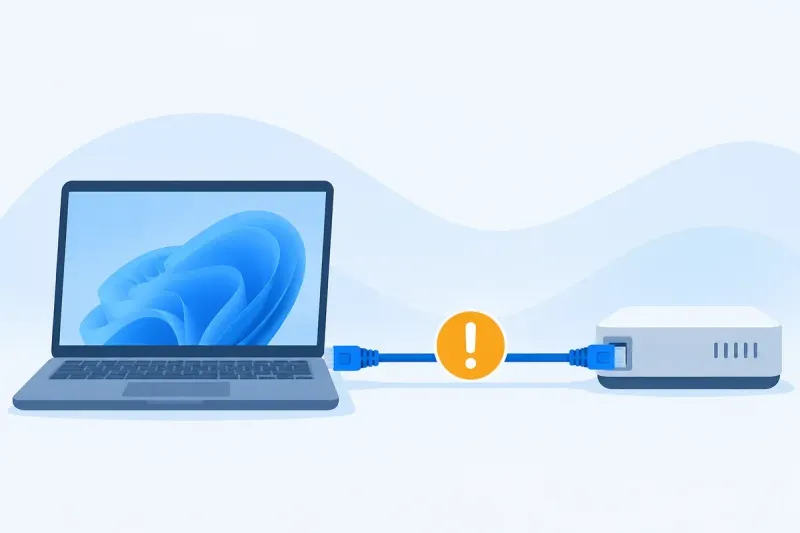
Start with the intended connection and active Ethernet address. Check DHCP without copying a static IP, then verify the original app and wired connection.
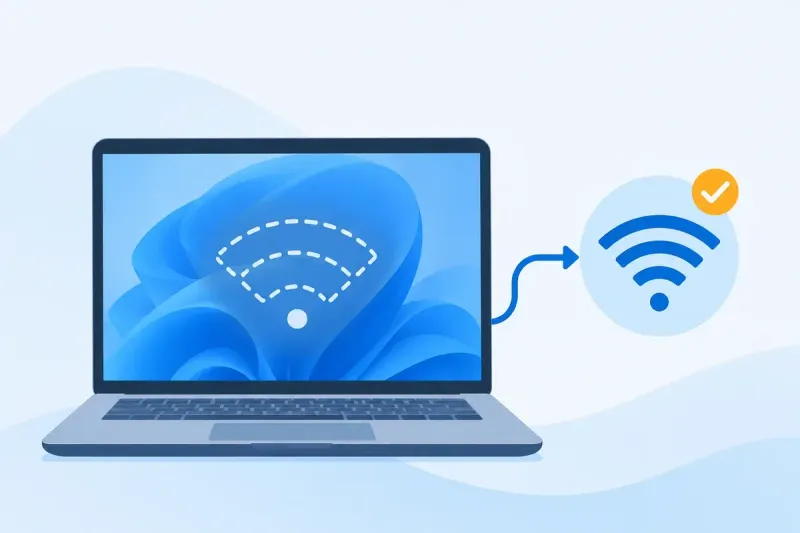
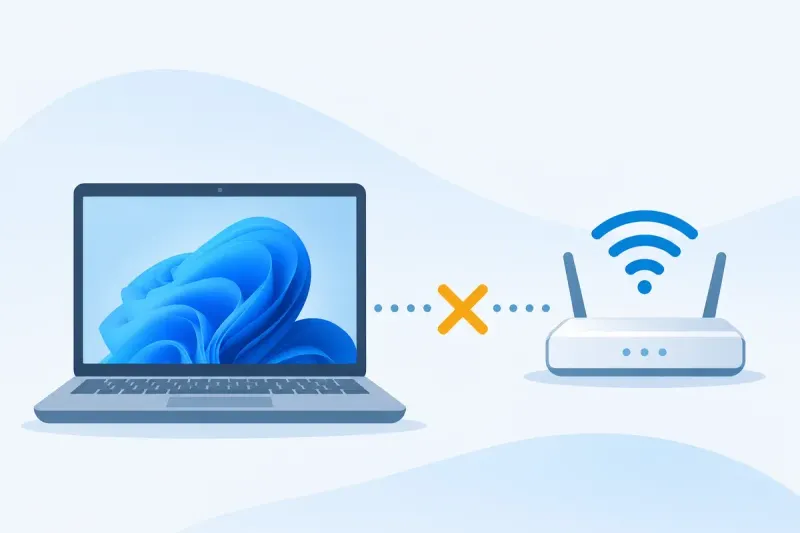
Check the Settings switch, the model's radio control and the actual wireless adapter. Keep offline drivers and retest the restart or wake pattern before a reset.
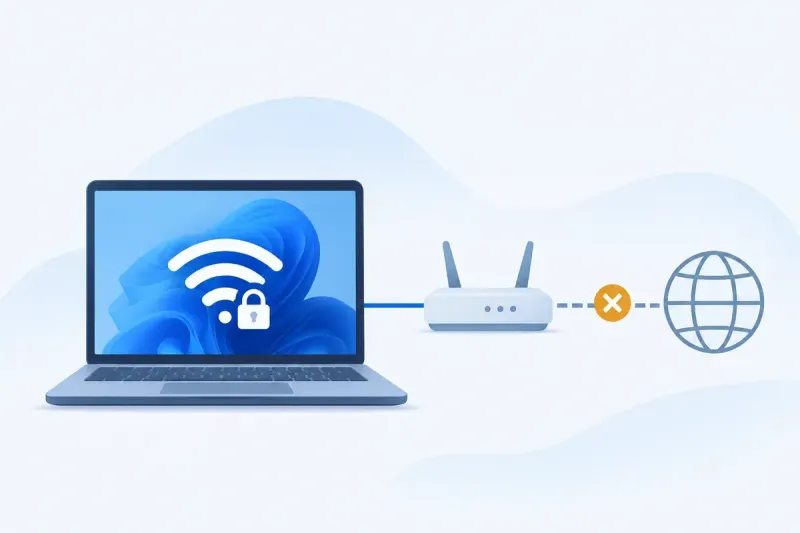
Compare default and public DNS lookups before changing settings. Separate a resolver issue from connection failure, then retest with a clear way to undo changes.
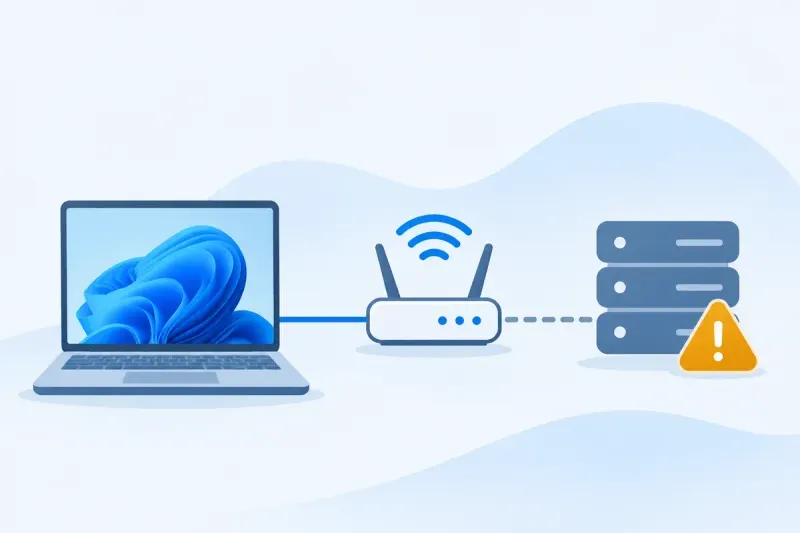
Record repeatable tests, then compare location, devices and Ethernet. Separate wireless coverage, PC software and provider problems before changing settings.
A missing Wi-Fi option needs different checks from a missing network name. Find the wireless adapter, keep an offline driver and verify the original failure.
Record the failed session, compare networks and check available power controls or compatible drivers. A brief reconnection does not prove the recurring drop is fixed.