Netwtw12.sys Blue Screen in Windows 11: Check the Intel Wi-Fi Driver
Use the actual Intel wireless model, driver version and crash conditions to choose a repair without losing the installer or guessing at hardware failure.
Troubleshooting guides
Find the right Windows 11 recovery route for a startup loop, blue screen, failed sign-in or black display. Keep your files and recovery key in view.
Use the actual Intel wireless model, driver version and crash conditions to choose a repair without losing the installer or guessing at hardware failure.
Use Microsoft's Media Creation Tool to save a 64-bit Windows 10 ISO. The image includes Home and Pro; your license determines which edition you can activate.
Get the matching Microsoft ADK and WinPE add-on, then create an ISO with Copype and MakeWinPEMedia. Check architecture and the target PC's Secure Boot trust first.
Use the full recovery message to separate storage access, BCD and winload.efi failures. Confirm the Windows installation before rebuilding boot files.
Find the failing wizard stage, check USB detection and Windows RE, then repair system files or choose another recovery route with clear stop conditions.
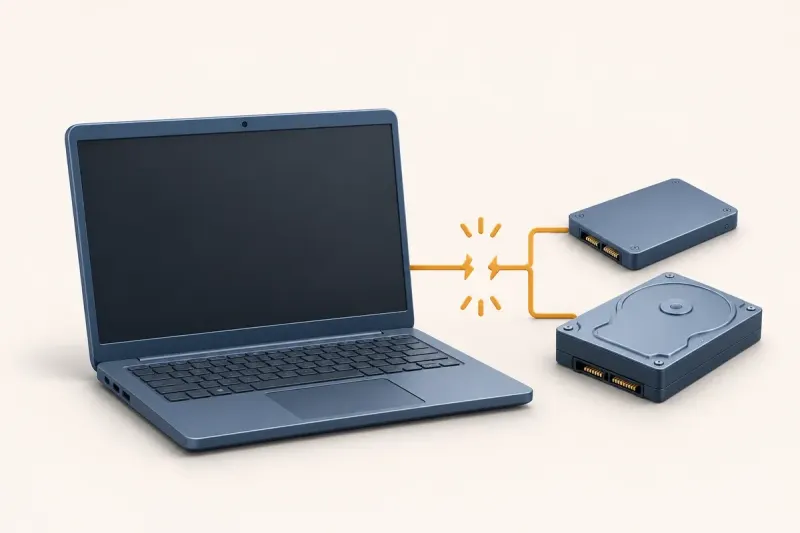
Check the command, Windows directory and boot layout before a repair. A small FAT32 volume or a successful file copy doesn't establish that Windows can boot.
Choose a recovery route that your PC can actually use, with specific checks for recent software, update and backup changes.
Use the completed repair result, its log and the last change to choose the next recovery action before resetting Windows.
Compare the shutdown paths, test Fast Startup reversibly, and isolate a device or background app without repeated forced power-offs.
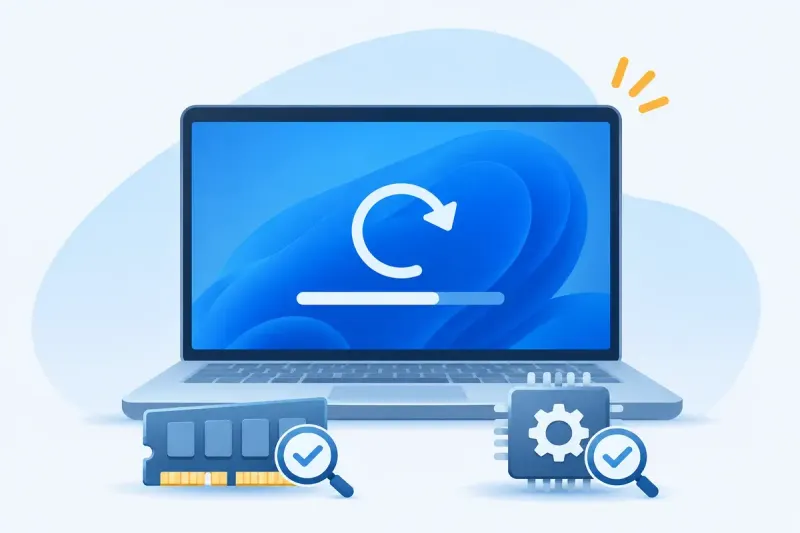
Test memory, separate hardware errors from driver changes, and use the crash parameters before choosing a repair.
Check Continue, identify recovery-media startup, and choose the right tool when the menu repeats or an option is missing.
Choose a recovery route for registry stop code 0x74, with restore-point requirements, file consequences and clear limits on repair commands.