Windows devices, printers and drivers
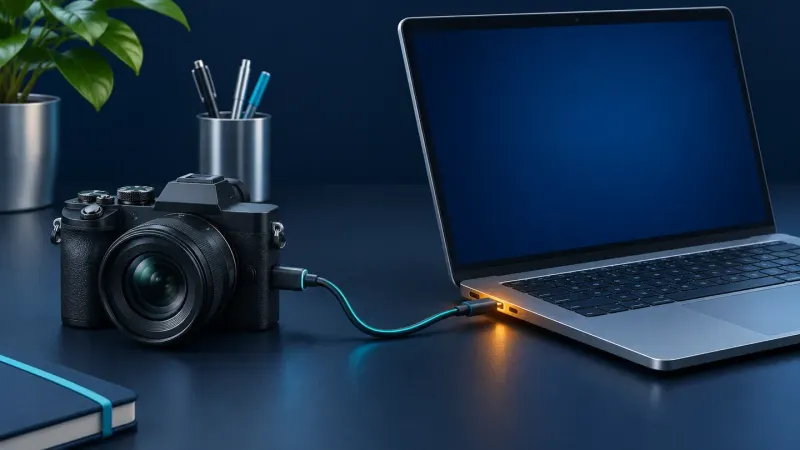
A missing Sony source and a frozen Imaging Edge logo need different checks. Confirm compatibility and the Webcam component before resetting the USB connection.
Windows devices, printers and drivers
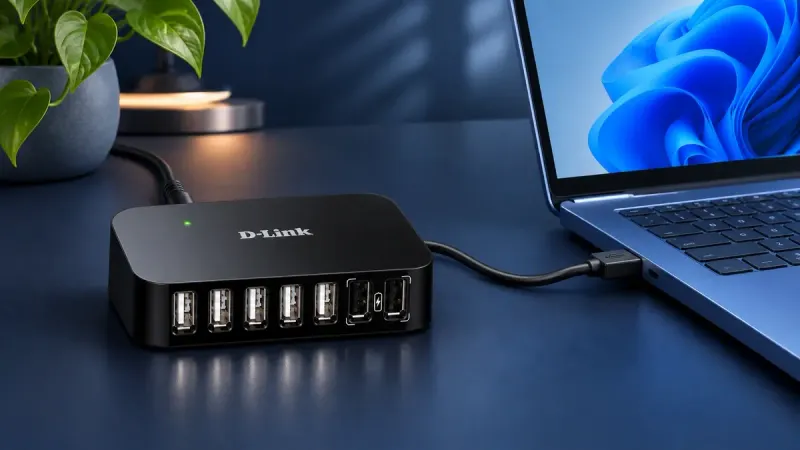
Check the hardware revision before downloading anything. The F1 guide confirms automatic installation on Windows 10; the official archive provides revision-specific documents.
Windows devices, printers and drivers
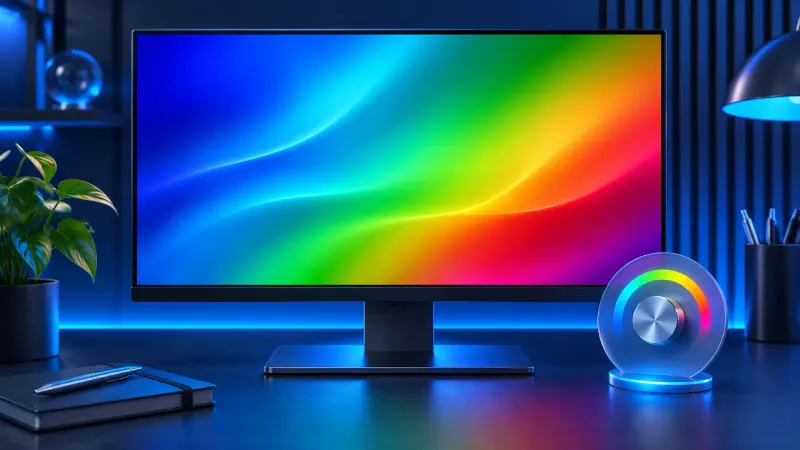
Check automatic color management for the selected screen, keep HDR and calibration settings separate, and compare the same content before keeping a change.
Windows devices, printers and drivers
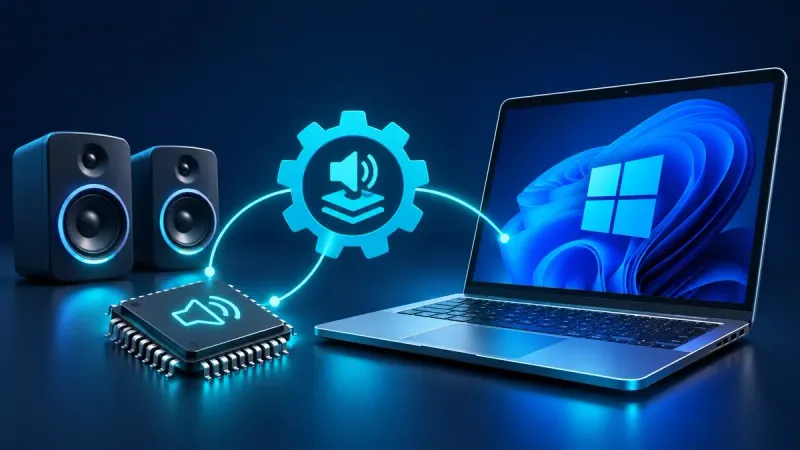
Identify the Realtek component, separate Startup apps from Windows services, and repair a missing or failing package without a random driver download.

Windows devices, printers and drivers
Remove the Driver Support One application through Windows, then check browser add-ons and paid billing separately. Keep hardware drivers and unrelated apps out of the cleanup.

Windows devices, printers and drivers
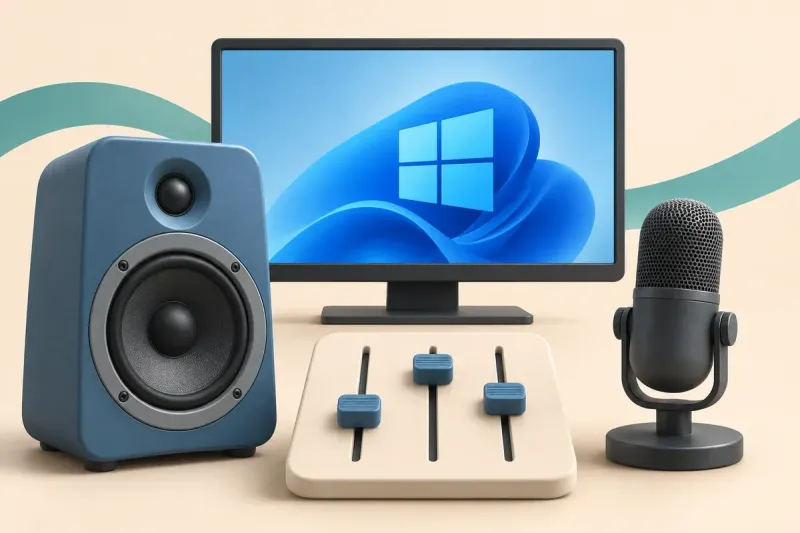
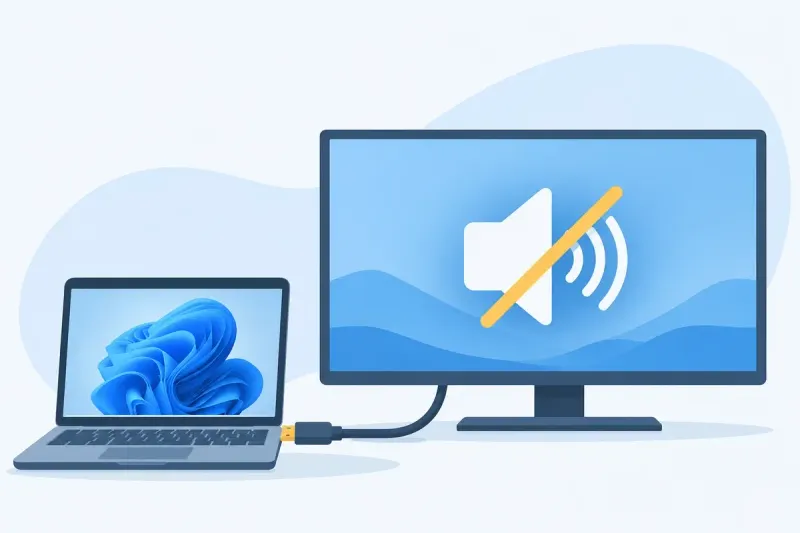
Choose the TV or monitor audio output, check whether it has speakers and separate a missing HDMI device from muted playback. Diagnose docks and display-audio drivers.
Windows devices, printers and drivers
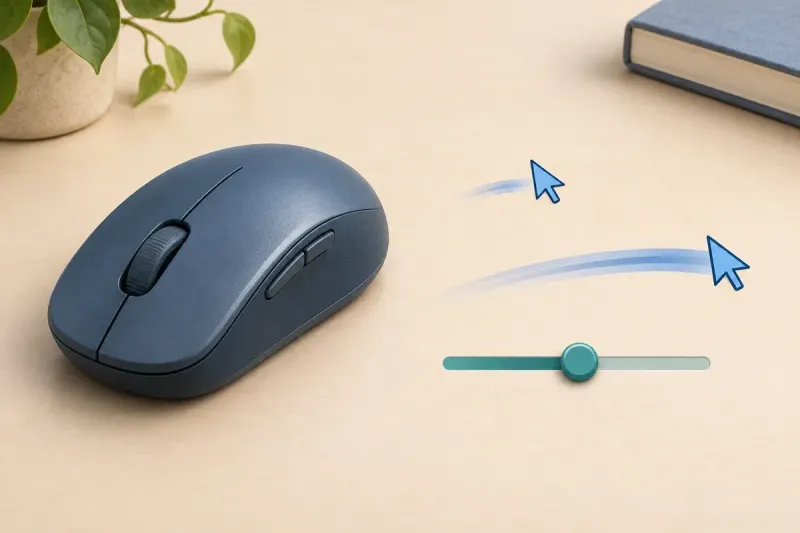
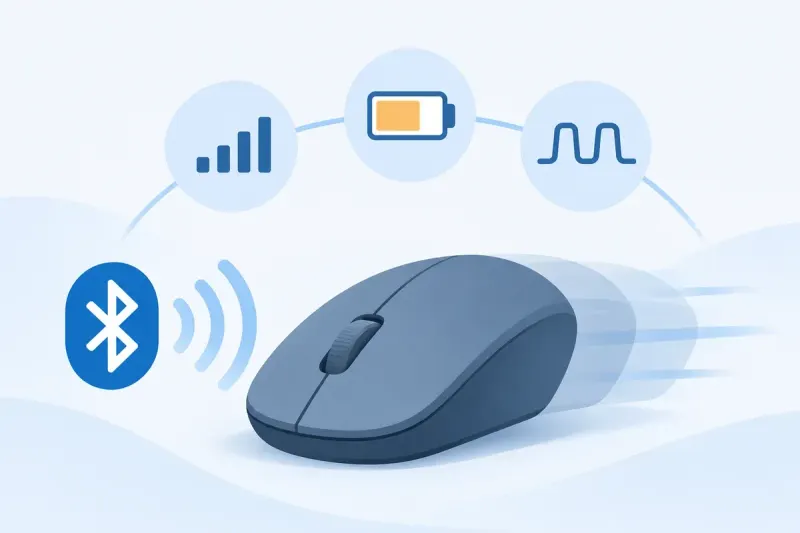
Separate a mouse wake-up delay from constant stutter. Check batteries and interference, test another connection and change adapter power saving only when available.
