Windows devices, printers and drivers
Volume Mixer Not Showing Apps: Find the Missing Entry
Separate a missing playback entry from silent audio and settings that reset after closing an app.
Troubleshooting guides
Diagnose Windows 11 printing, Bluetooth, audio, camera, display and input problems. Separate a missing device from a connection, permission or driver failure.
Windows devices, printers and drivers
Separate a missing playback entry from silent audio and settings that reset after closing an app.
Windows devices, printers and drivers
Separate a missing physical click from a reversed assignment or an app profile, then choose a targeted fix or model-specific support.
Windows devices, printers and drivers
Check Mirroring on Fire TV and Cast support on the PC before pairing. Then choose Duplicate and test the picture, sound and reconnection.
Windows devices, printers and drivers
Check the original M3 data port, selected input and Windows output before installing a driver. USB and optical connections need different playback choices.
Windows devices, printers and drivers
Regain control with the keyboard, check whether the mouse moves and separate Windows-wide disappearance from an app-only fault.
Windows devices, printers and drivers
Choose an existing scheme or customize individual event sounds, preserve the old arrangement and verify the saved result.
Windows devices, printers and drivers
Separate driver inventory, hardware rescanning and installation. Choose the exact package before using a command that changes a device.
Windows devices, printers and drivers
Check your exact device model and Windows system type before downloading. Then change one supported assignment and verify it in the intended application.
Windows devices, printers and drivers
Check the Evolve2 75 microphone mode, supplied Jabra Link connection and current firmware before removing drivers or clearing pairings.
Windows devices, printers and drivers
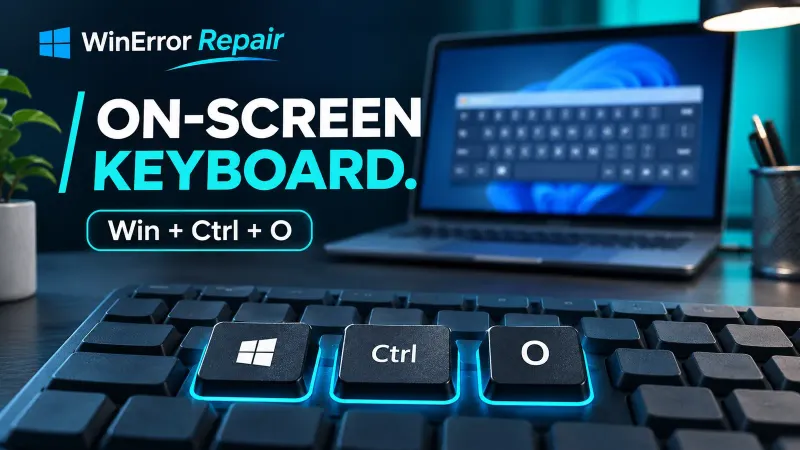
Open the Windows On-Screen Keyboard with Win+Ctrl+O or a pointer, then choose the layout and input method you need.
Windows devices, printers and drivers
Use the matching event and the failing workload to choose a targeted graphics check, then compare whether the same failure returns.
Windows devices, printers and drivers
Read the actual service status and start error before changing audio drivers, service accounts or permissions.