Windows desktop, search and sleep
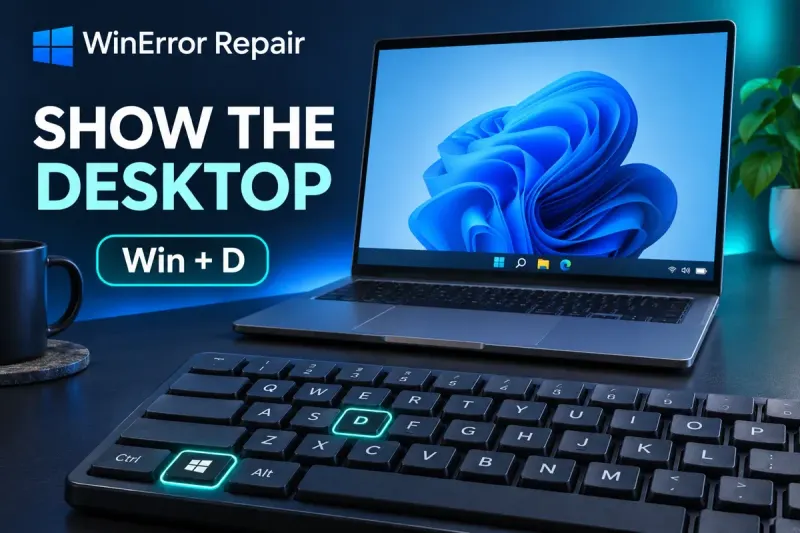
Show Desktop Keyboard Shortcut in Windows 11
Use Windows + D to reach the desktop without closing your apps, restore your windows, or use the far-right taskbar area.
Windows troubleshooting
Find clear, step-by-step help for Windows updates, startup problems, devices, and internet connections.
Windows desktop, search and sleep
Use Windows + D to reach the desktop without closing your apps, restore your windows, or use the far-right taskbar area.
Choose WSL for Linux tools inside Windows, then install a distribution, create its user and confirm the shell and file paths work.
Windows desktop, search and sleep
Set up native Windows LAPS for Entra or Active Directory, then confirm the managed account, password backup and authorized recovery.
Windows devices, printers and drivers
Separate driver inventory, hardware rescanning and installation. Choose the exact package before using a command that changes a device.
Windows devices, printers and drivers
Check your exact device model and Windows system type before downloading. Then change one supported assignment and verify it in the intended application.
Start with Resource Monitor and the actual files being read or written. High disk activity alone does not identify a damaged kernel or a failed drive.
Windows Update errors and installation problems
Use the built-in Windows Update Agent to list available updates, interpret empty results and keep update installation separate from the scan.
Find the Memory integrity switch, understand the security cost, verify the result after restarting and turn protection back on when the compatibility check ends.
Windows desktop, search and sleep
Add another local Windows sign-in from a working desktop, keep the original account available, and check the new user before changing access.
Windows desktop, search and sleep
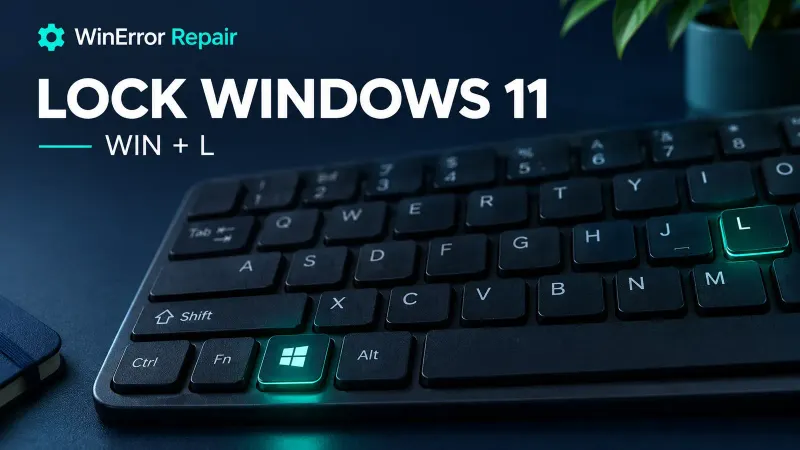
Lock the current Windows 11 session with Win + L, verify the sign-in boundary, and use the security screen if the shortcut fails.
Windows devices, printers and drivers
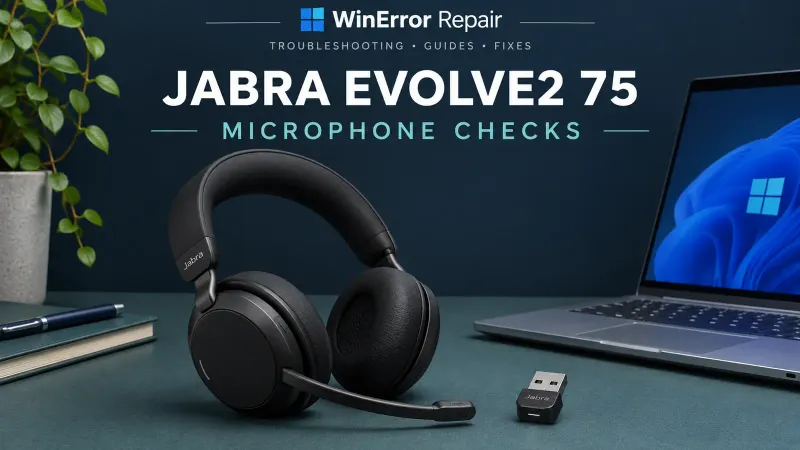
Check the Evolve2 75 microphone mode, supplied Jabra Link connection and current firmware before removing drivers or clearing pairings.
Windows devices, printers and drivers
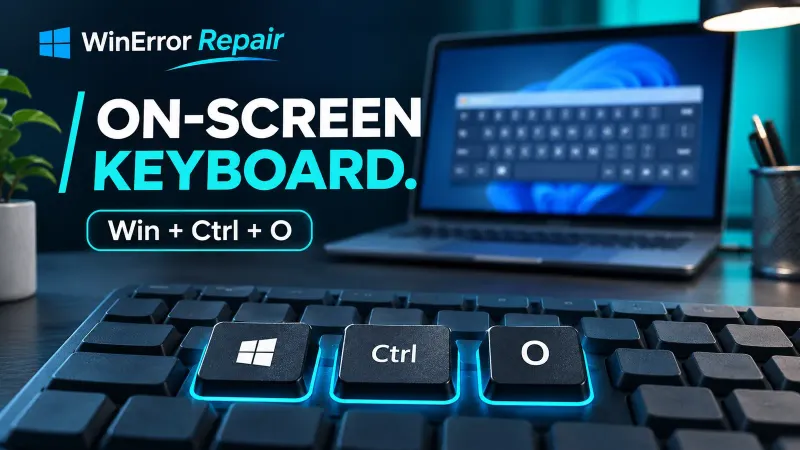
Open the Windows On-Screen Keyboard with Win+Ctrl+O or a pointer, then choose the layout and input method you need.