Windows network and internet problems
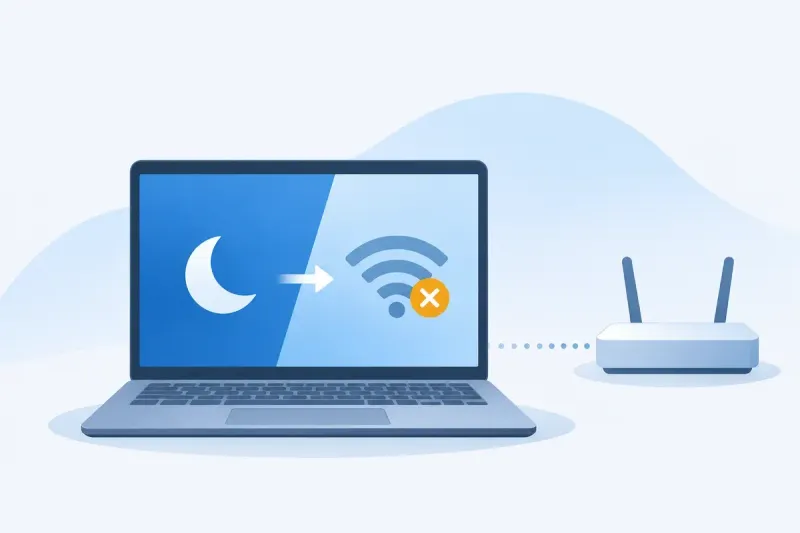
Wi-Fi disconnects after sleep in Windows 11: check the wake state
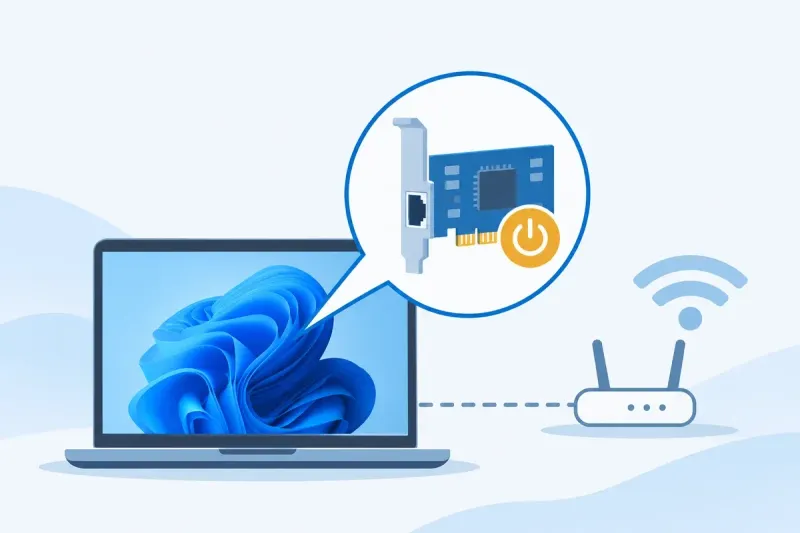
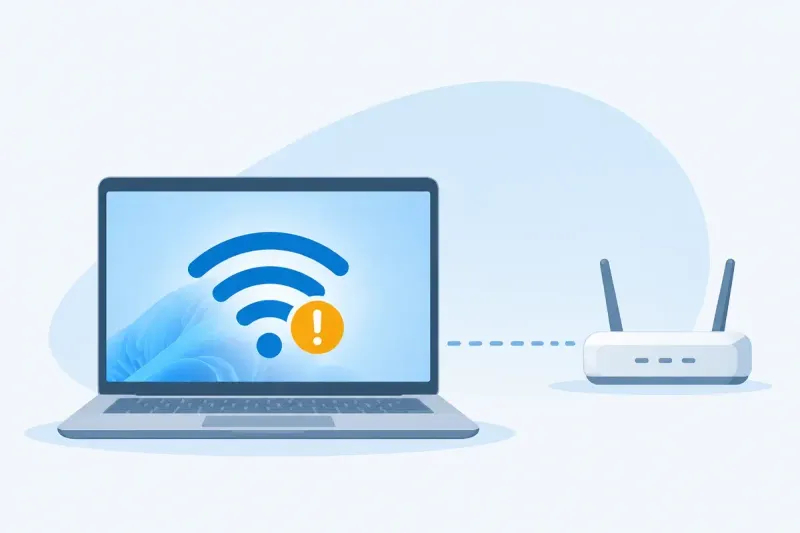
Separate a paused sleep connection from a missing adapter after wake, then check the exact driver, power options and failed session.
Windows troubleshooting
Find clear, step-by-step help for Windows updates, startup problems, devices, and internet connections.
Windows network and internet problems
Separate a paused sleep connection from a missing adapter after wake, then check the exact driver, power options and failed session.
Windows network and internet problems
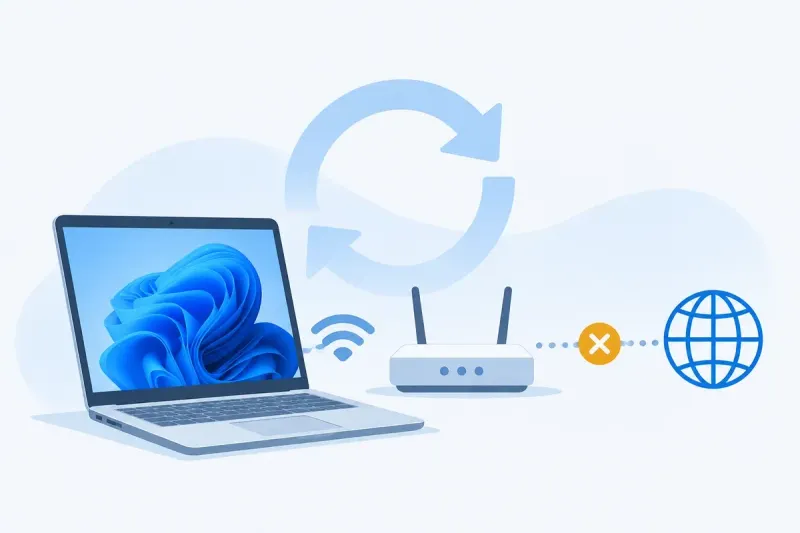
Record the update and driver, compare real connectivity, and choose a targeted recovery with a plan for future security updates.
Windows network and internet problems
Check whether the reset completed, then follow the adapter, address, VPN or sharing problem that remains.
Windows network and internet problems
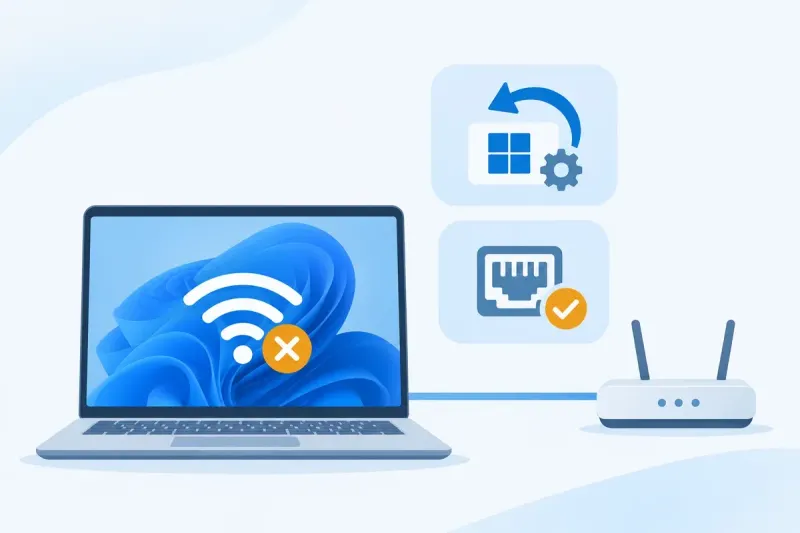
Identify the physical adapter, read its exact Device Manager status and prepare an offline driver before choosing a targeted recovery step.
Windows network and internet problems
Compare the phone's cellular access, a second hotspot client and another Windows network before resetting either device.
Windows network and internet problems
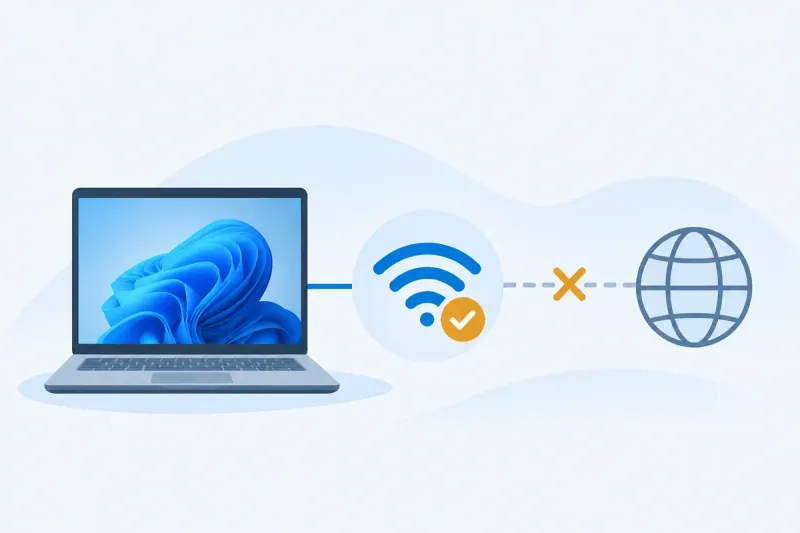
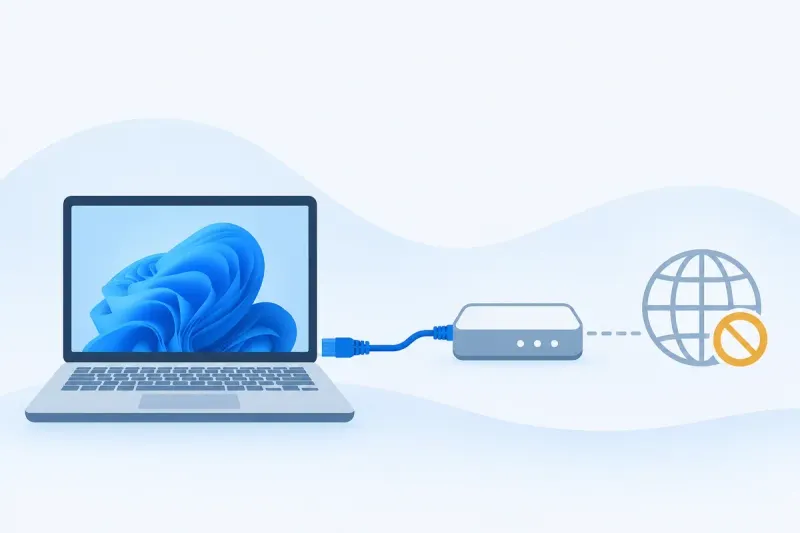
Test actual wired access, distinguish the Windows connectivity indicator, and check address assignment, gateway and DNS before broad recovery steps.
Windows network and internet problems
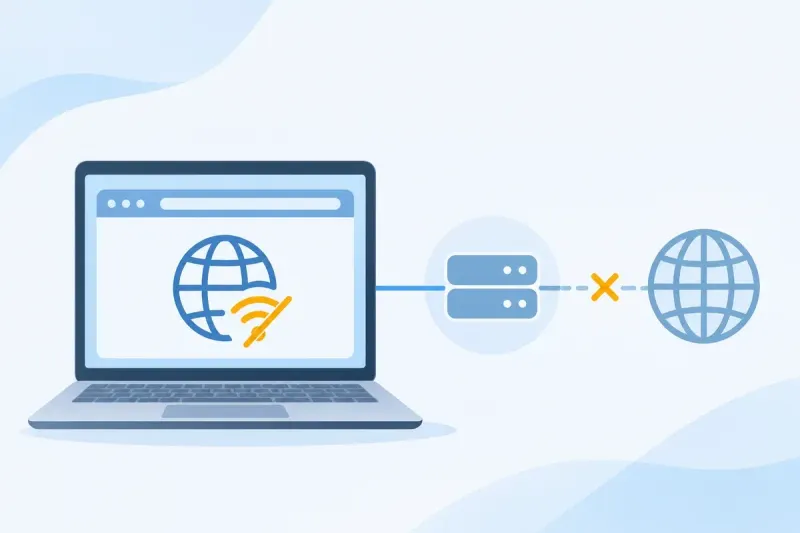
Compare Chrome with another browser, check Secure DNS and extensions, then investigate Windows DNS only if the failure extends beyond Chrome.
Windows network and internet problems
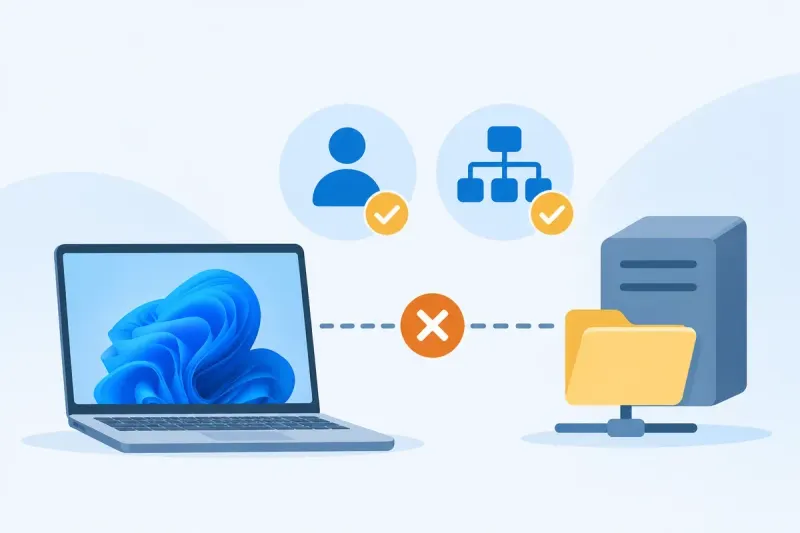
Try the full share path, then check the host account, both permission layers and SMB compatibility before changing security policy.
Windows network and internet problems
Read the active Wi-Fi configuration, confirm whether DHCP is intended, and renew only that adapter before considering driver removal or a broad network reset.
Windows network and internet problems
Separate missing PCs in File Explorer from denied shared-folder access. Check the trusted profile and discovery services without enabling obsolete SMB1.
Windows network and internet problems
Check the Windows hotspot host and client separately, with targeted steps for a missing network, rejected password or connection without internet.
Windows network and internet problems
Separate Wi-Fi spikes, background traffic and game-server routes with repeatable comparisons. Use Windows diagnostics without a blanket reset or optimization script.