The Requested System Device Cannot Be Found: Check the Boot Target
Check the command, Windows directory and boot layout before a repair. A small FAT32 volume or a successful file copy doesn't establish that Windows can boot.
Windows desktop, search and sleep
Start with the switch and schedule, then separate a returning Night light setting from a warm tint that comes from another display control.
Cancel a stalled calculation, use the built-in storage route and keep system files intact while checking what actually failed.
Windows Update errors and installation problems
Separate a desktop update failure from a rollback after restart, preserve the relevant logs and use the underlying Setup result to choose a repair.
Windows Update errors and installation problems
Separate an update scan connection failure from a failed installation, check the required network and proxy, then use the current error to choose a repair.
Windows desktop, search and sleep
Separate an idle screen timeout from presence sensing, PC sleep and a lost monitor signal. Check the right timer, cable path and driver before replacing hardware.
Windows network and internet problems
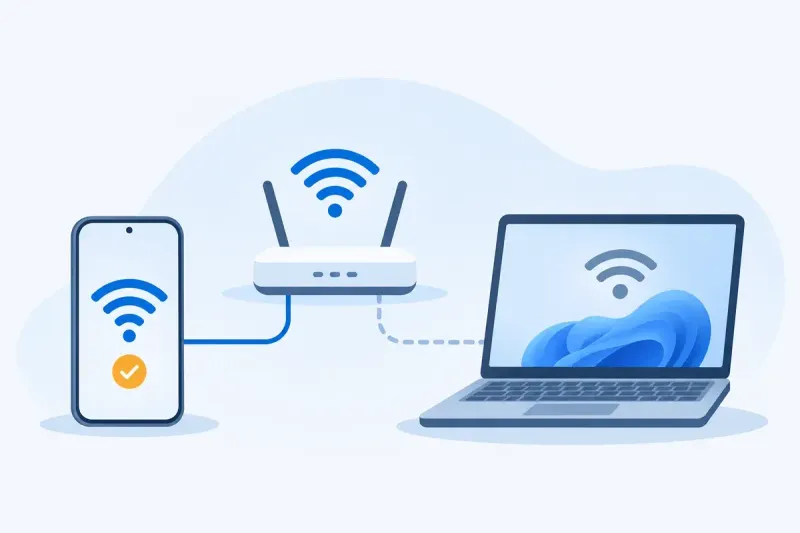
Check that the phone uses the same Wi-Fi, identify where the laptop connection fails, and compare networks before changing profiles, drivers or network settings.
Windows devices, printers and drivers
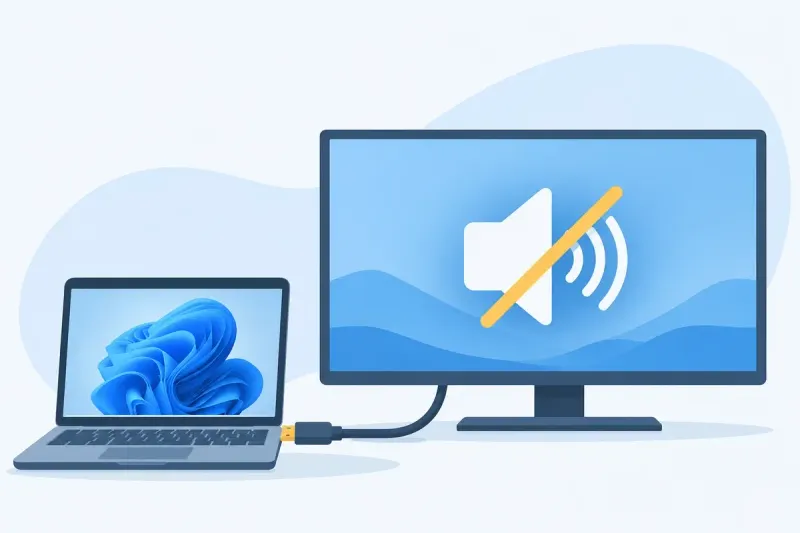
Choose the TV or monitor audio output, check whether it has speakers and separate a missing HDMI device from muted playback. Diagnose docks and display-audio drivers.
Windows devices, printers and drivers
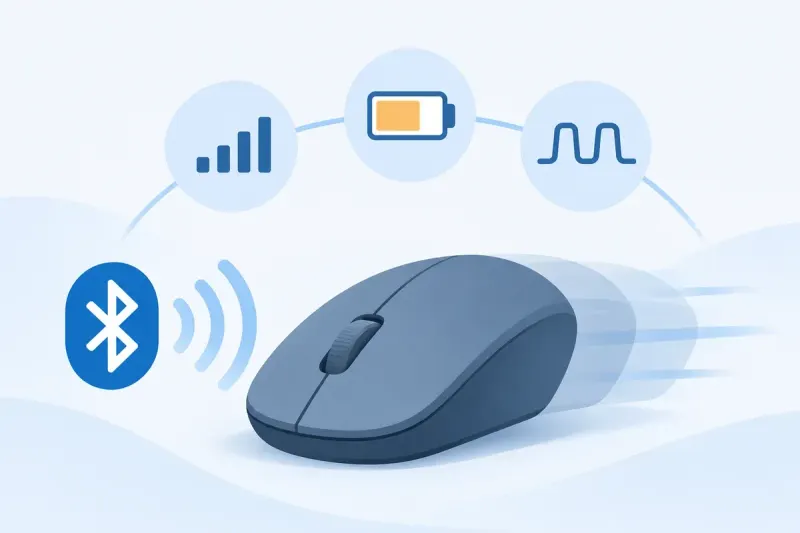
Separate a mouse wake-up delay from constant stutter. Check batteries and interference, test another connection and change adapter power saving only when available.
Windows Update errors and installation problems
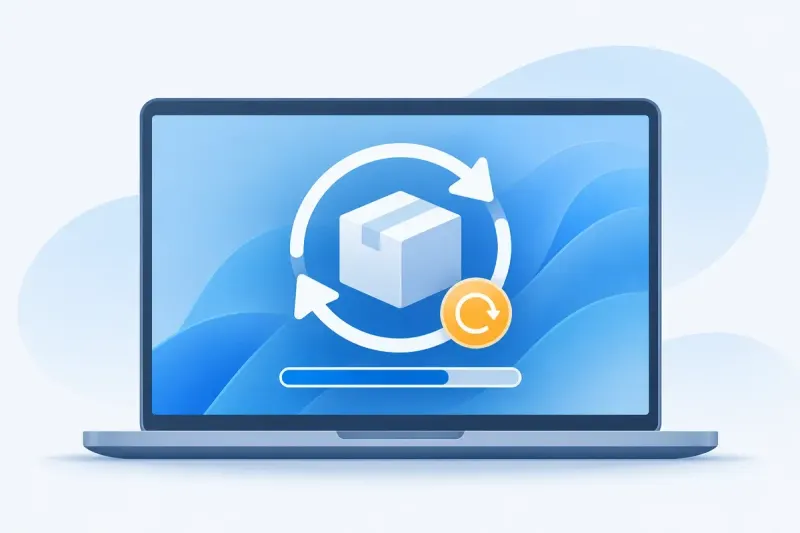
Check whether the update installed or actually failed before restarting again. Verify the KB and build, recognize a display-only case and choose the right repair.
Windows Update errors and installation problems
Separate a missing Settings page from missing update entries. Check the current Windows build, understand Get-HotFix limits and avoid erasing more history.
Open a new administrator console, approve the Windows prompt and distinguish an account-rights problem from an SFC repair that starts but fails.