
Windows desktop, search and sleep
A recurring freeze needs evidence from Explorer while it is still stuck. Capture the process, recover the shell, and compare the same folder or action before changing settings.

Windows desktop, search and sleep
Compare the client, account and host before ending a Remote Desktop session. Inspect the existing session, protect unsaved work and verify the original reconnection trigger.

Windows desktop, search and sleep
Start with the switch and schedule, then separate a returning Night light setting from a warm tint that comes from another display control.

Windows desktop, search and sleep
Separate an idle screen timeout from presence sensing, PC sleep and a lost monitor signal. Check the right timer, cable path and driver before replacing hardware.
Windows desktop, search and sleep
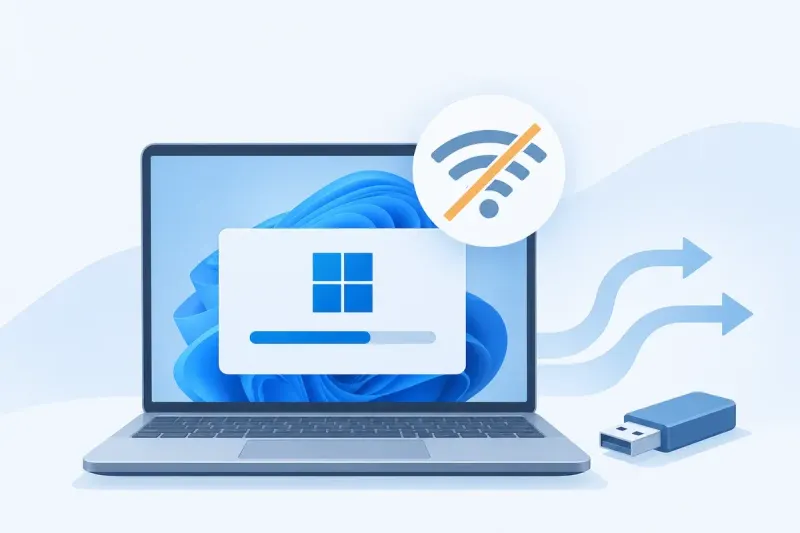
Prepare Windows 11 installation media and drivers on another PC, understand the separate account-setup gate and choose an offline route that matches the image.

Windows desktop, search and sleep
Check the Fn layer, virtual-machine input and Setup phase before repeating old OOBE commands. Separate a missing prompt from an unsupported account workaround.

Windows desktop, search and sleep
Check what the Styler can change, test an integrated theme, separate transparency dependencies and XAML conflicts, then collect the right Windhawk debug log.

Windows desktop, search and sleep
Separate a missing wake signal from a blank display or failed resume. Check supported sleep states, wake devices and drivers without resetting every power setting.

Windows desktop, search and sleep
Recover Explorer, test a local folder instead of Home or a network path, inspect the crash record and isolate shell additions before a Windows repair.

Windows desktop, search and sleep
Open Task Manager without the taskbar, restart Windows Explorer, check hidden taskbar settings and isolate recurring failures before choosing a Windows repair.

Windows desktop, search and sleep
Compare manual Sleep with the idle timer, inspect power requests and wake sources, and restore a missing Sleep menu without forcing unsupported power states.

Windows desktop, search and sleep
Use Task Manager when Settings closes or will not launch. Check recent changes, reset only the affected app and preserve files before choosing recovery.
