Kernel Security Check Failure (0x139): Windows 11 Checks
Match the exact stop code and dump, recover a usable session and choose one evidence-supported change without disabling security.
Windows troubleshooting
Find clear, step-by-step help for Windows updates, startup problems, devices, and internet connections.
Match the exact stop code and dump, recover a usable session and choose one evidence-supported change without disabling security.
Identify the installation stage, preserve the error and logs, and prepare a controlled media retry. Repeated stalls need evidence before disk or hardware changes.
Match the full Setup message to the installer boot mode and disk style. Choose whether to preserve the existing Windows system before any conversion or wipe.
Windows devices, printers and drivers
Check Mirroring on Fire TV and Cast support on the PC before pairing. Then choose Duplicate and test the picture, sound and reconnection.
Windows devices, printers and drivers
Check the original M3 data port, selected input and Windows output before installing a driver. USB and optical connections need different playback choices.
Windows desktop, search and sleep
Check the archive, password and destination before changing Windows. Keep the original and avoid merging incomplete extraction attempts.
Windows devices, printers and drivers
Regain control with the keyboard, check whether the mouse moves and separate Windows-wide disappearance from an app-only fault.
Windows devices, printers and drivers
Choose an existing scheme or customize individual event sounds, preserve the old arrangement and verify the saved result.
Windows desktop, search and sleep
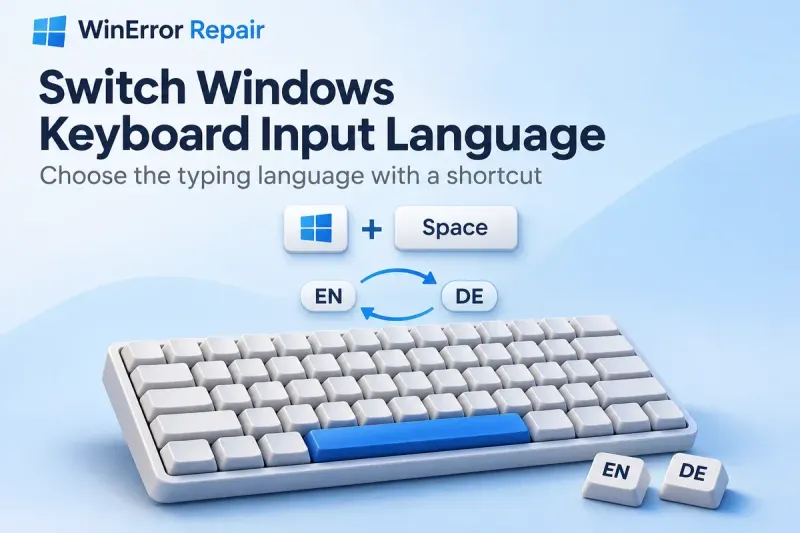
Change or disable legacy input hotkeys, keep the layouts you need and verify the result with a short typing check.
Windows desktop, search and sleep
Pick a file manager by the job you repeat, check the license and try it beside the built-in Explorer.
Windows desktop, search and sleep
Find the built-in file manager, keep its taskbar shortcut and reach your folders without downloading another app.
Find the workload behind a slow Windows 11 PC, choose a targeted change and check the original task before trying another fix.