Bugcheck 0x0000003B: Read the Crash and Choose the Next Step
Save the 0x3B record, distinguish the exception from the stop code and choose a driver comparison or support handoff from the actual crash evidence.
Troubleshooting guides
Find the right Windows 11 recovery route for a startup loop, blue screen, failed sign-in or black display. Keep your files and recovery key in view.
Save the 0x3B record, distinguish the exception from the stop code and choose a driver comparison or support handoff from the actual crash evidence.
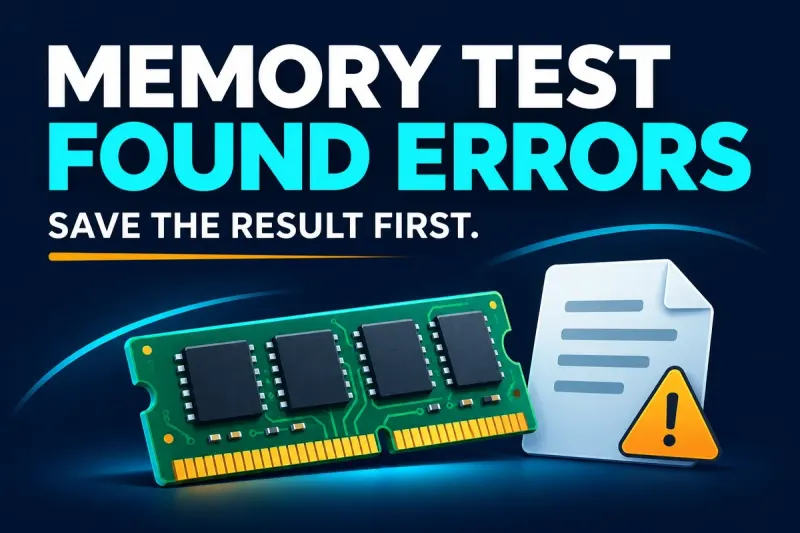
Save the positive memory-test result, read the matching System event and separate a hardware finding from an unfinished or inconclusive comparison.
Check the firmware warning and the exact NUC configuration before defaults, drive replacement or a BIOS update.
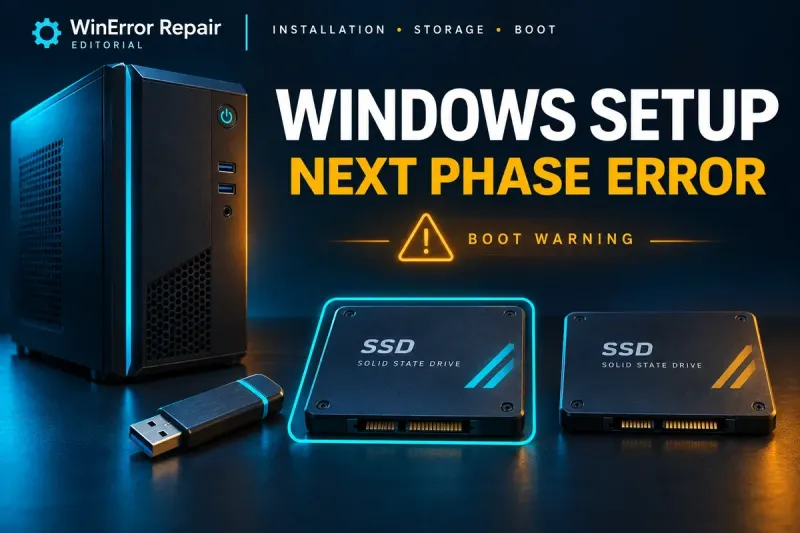
Work through the exact next-phase Setup error with a clear distinction between the installer, destination and other drives.
Separate no power from no display, check the external power path and verify self-build connections safely before replacing parts.
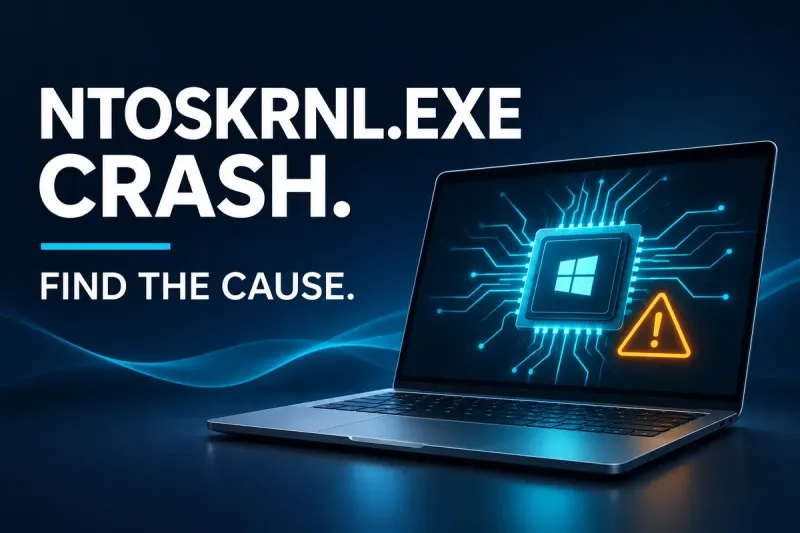
Use the stop code and recent-change evidence to choose a driver, memory or recovery check without replacing the Windows kernel.
Separate an installation-media problem from a documented storage-driver requirement before changing firmware modes or touching the internal drive.
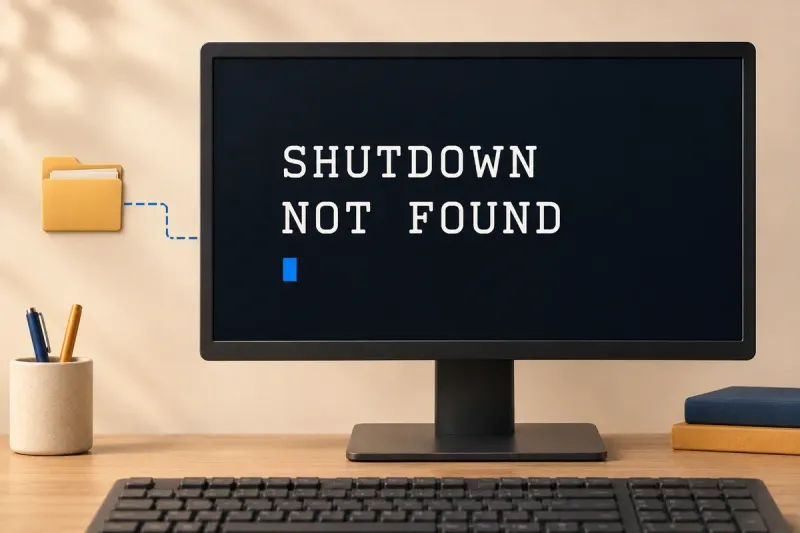
Check the Windows executable without powering off, inspect command resolution and repair a confirmed missing PATH entry while preserving the rest of your configuration.
Separate activation restrictions from license rights and support. Read the exact state, check the matching entitlement and choose the legitimate next step.
Keep S mode while the permitted apps meet your needs. Check the required task, understand the permanent change, and use the free Store exit when needed.
Match the exact stop code and dump, recover a usable session and choose one evidence-supported change without disabling security.
Identify the installation stage, preserve the error and logs, and prepare a controlled media retry. Repeated stalls need evidence before disk or hardware changes.